6 CTR Manipulation Tools for Residential IP Traffic: Agency Use Cases
Your agency is paying for residential IP traffic and getting screenshots you cannot verify. Some tools blur the line between real visits and bot noise, and clients notice when rankings do not move. Before you renew another credit pack, compare what each platform actually proves.
This article breaks down six CTR manipulation tools on residential IP quality, visit proof and campaign controls. You will see how CTRTool handles Desktop and Mobile campaigns across Google, Bing, Maps and AI Overviews, compare five alternatives, and leave with a clear pick for your client niches and budgets.
What Agencies Should Look For in Residential IP CTR Tools
Agencies evaluating residential IP CTR tools must scrutinize three core areas: IP pool authenticity, verifiable proof of each visit, and granular campaign controls that match client reporting requirements. These criteria separate tools built for serious agency use cases from surface-level click bots that produce thin, unverifiable activity.
Residential IP traffic is the foundation of believable organic traffic simulation. If the underlying proxy networks are weak, every downstream metric suffers, from dwell time to bounce rate, and clients notice when reports do not hold up.
Proof of visits matters just as much as traffic quality. Agencies answer to clients, so every campaign needs a paper trail: screenshots, timestamps, and visit paths that can be reviewed during a reporting call or an audit.
Campaign controls determine how precisely a team can shape a campaign. Device targeting, keyword selection, and daily caps let agencies tune engagement metrics to realistic patterns instead of dumping uniform clicks onto a URL.
The tool reviews later in this article reference these three criteria repeatedly. Use them as a scorecard when comparing any CTR manipulation tools, whether the focus is Google rankings, Bing rankings, or both.
Residential IP Quality, Proof of Visits and Campaign Controls
Residential IP quality hinges on whether the proxy pool uses genuine ISP-assigned addresses with diverse geolocations, not recycled datacenter ranges that anti-fraud detection systems flag quickly. Ask providers directly which category their pool falls into.
ISP proxies carry addresses registered to real internet service providers, which makes them far harder to distinguish from ordinary searchers. Datacenter proxies are cheaper but easier to spot, and mixing them into a campaign undermines the entire premise of organic traffic simulation.
Geo-targeting precision deserves a specific test. Confirm whether a tool can target by country, state, and city, and whether mobile proxies are available for campaigns that need them. Local SEO work often depends on city-level accuracy.
IP rotation policy is another key question. Rotating IP addresses per visit spread activity across the pool, while sticky sessions keep one address for a full visit path. Both have legitimate uses, and a capable tool should let the operator choose.
For proof of visits, agencies should demand a defined package:
- Per-visit screenshots of the search results page and the landing page
- Full visit paths showing how the visitor moved through the site
- Timestamps for every action in the session
- Keyword position tracking tied to each visit
Compare two campaigns to see why this matters. A campaign running 100% residential IPs typically shows longer dwell time and lower bounce rate because the sessions look human. A campaign with mixed datacenter IPs often produces erratic engagement metrics that fail to hold when reviewed against analytics.
Campaign controls round out the evaluation. The must-have list includes device targeting for desktop and mobile, daily visit limits to keep volume realistic, keyword and URL selection, and reporting exports that fit client dashboards.
A tool without caps invites over-delivery, and a tool without exports forces manual report building. Both add friction to agency use cases where multiple client campaigns run in parallel. Evaluate controls against the reporting requirements of the clients you actually serve, not an abstract feature checklist.
1. CTRTool - Best Overall
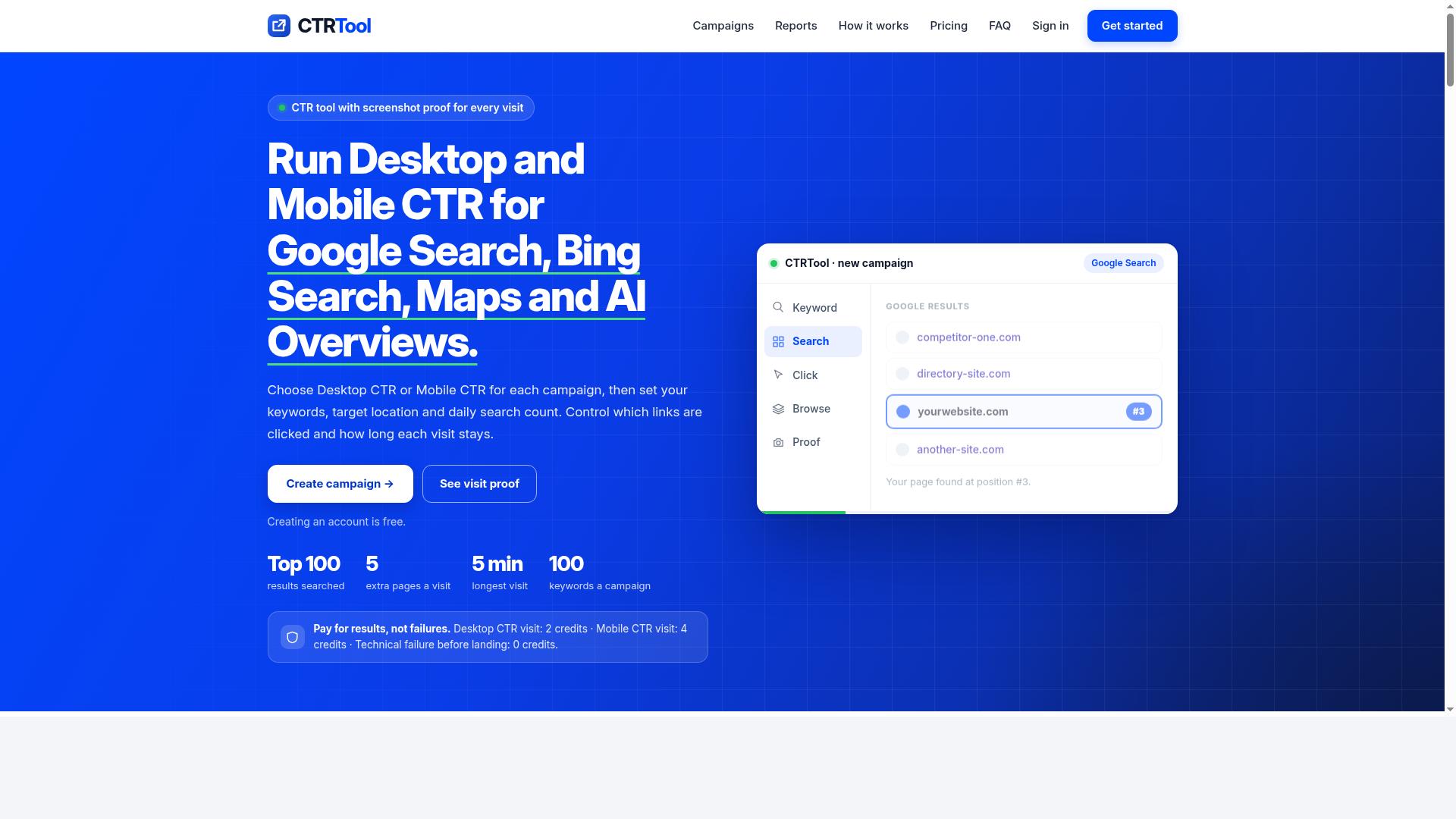
CTRTool earns the top spot for agencies because it combines residential IP traffic simulation with screenshot proof for every visit across Google Search, Bing Search, Maps, and AI Overviews. That proof layer matters when a client asks what a campaign actually delivered.
It supports four distinct campaign types in one platform, so an agency can run Google and Bing search campaigns alongside Maps and AI Overview work without juggling separate tools. Both Desktop and Mobile CTR campaigns are available, and targeting can narrow down to state and city level.
For teams managing multiple client accounts, the combination of geo-targeting depth and per-visit evidence makes reporting and internal review far simpler.
Campaign Types, Screenshot Proof and Credit-Based Pricing
CTRTool offers four campaign types, Google Search CTR, Bing Search CTR, Google Maps CTR, and AI Overview CTR, each with Desktop or Mobile targeting and screenshot proof for every visit. Campaign setup allows up to 100 keywords per campaign, with country targeting and optional state and city selection.
The search campaigns work the same way on each engine:
- Google Search CTR targets a keyword, clicks the organic result, and can reach Top 100 results plus internal pages.
- Bing Search CTR applies the same keyword and organic click logic on Bing.
- Google Maps CTR finds the business listing and clicks its website link, checking up to 50 listings with city targeting.
- AI Overview CTR finds the website in the overview and clicks its source link, requiring a matching keyword and location.
Timing controls include daily search counts with now, spread out, or gap timing, plus days, hours, and time zone settings. Daily goals reset at 00:00 UTC. Each visit can include up to five additional pages and run up to five minutes total.
Pricing is credit-based and scales with volume. Starter costs $59 per month for 2,000 credits, covering up to 1,000 Desktop or 500 Mobile visits. Growth costs $125 per month for 5,000 credits, covering up to 2,500 Desktop or 1,250 Mobile visits. Higher tiers are available.
Every visit generates a search screenshot and a landing screenshot as separate proof images. Reports also include full visit paths and keyword positions over time, covering Search positions, Maps listing order, and AI citation order. Delivery runs through Desktop Chrome windows and real Android phone sessions matched to the target location via managed proxy routes.
2. SearchSEO
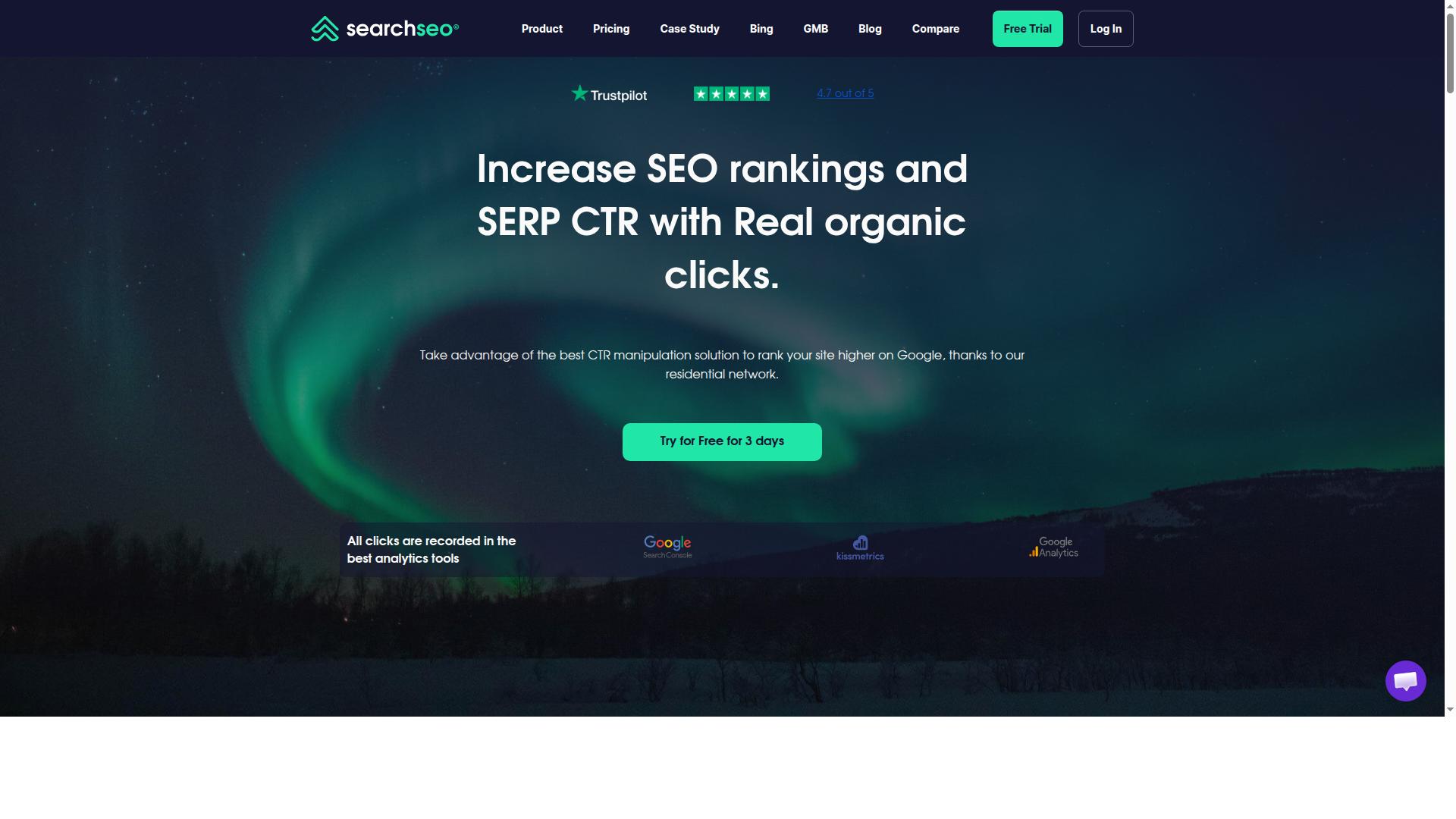
SearchSEO is a CTR manipulation tool that focuses on organic traffic simulation for Google and Bing, often used by agencies seeking to improve SERP rankings through increased click-through rates. It appears in agency discussions as a keyword-driven campaign platform, though public documentation about the product is limited.
According to user reports, campaigns are typically built around target keywords rather than raw URLs alone. That approach mirrors how organic traffic simulation usually works: a tool searches for a phrase, finds the client's page in the results, and registers a click. Agencies often pair this with IP rotation so repeated visits do not trace back to a single source.
For teams managing multiple clients, the features agencies commonly expect from a tool in this category include:
- Keyword-based campaign setup with per-client grouping
- IP rotation across proxy pools, including residential proxies
- Basic reporting on clicks delivered and campaign progress
- Some form of geo-targeting for local SERP work
These are category norms rather than confirmed SearchSEO specifications. Readers should verify current capabilities directly, since feature sets in this market change frequently and third-party summaries can lag behind.
One consideration for agency use cases is how a tool handles anti-fraud detection. Search engines watch for unnatural patterns such as identical dwell times or repeated IP ranges. Whether SearchSEO addresses this through residential IP traffic, randomized behavior, or other means is not documented in available sources, so it is worth asking before committing a client budget.
Reporting quality also matters when results are shown to clients. A tool that logs campaign activity in a clear, exportable format makes it easier to justify spend, even when ranking movement is gradual. According to user reports, expectations here vary widely across platforms in this category.
Overall, SearchSEO sits among the CTR manipulation tools agencies may shortlist when evaluating options for organic traffic simulation. Treat any claims about its performance cautiously and request a trial or demo where possible.
3. TrafficBotPro
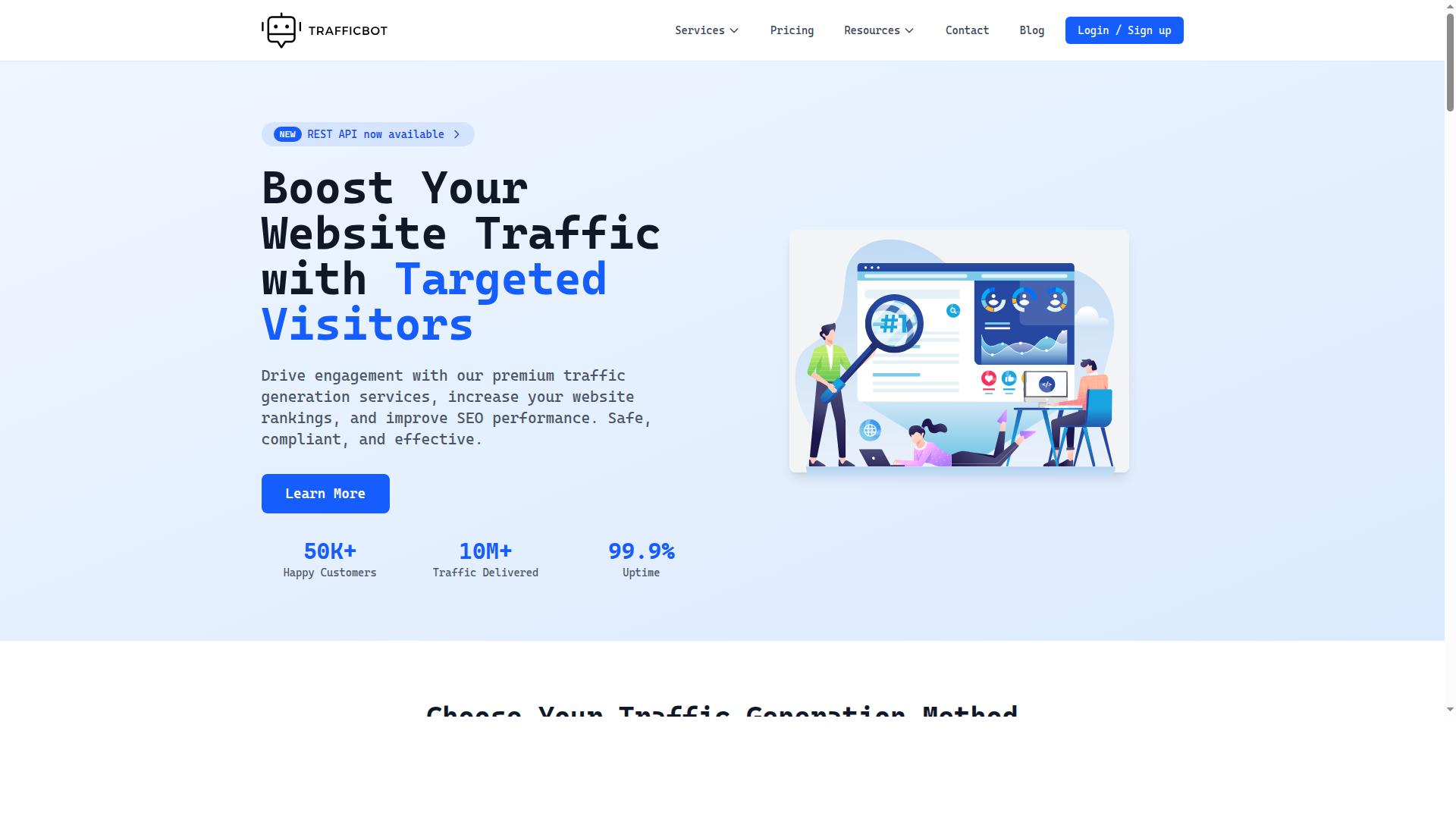
TrafficBotPro is an automation software that simulates organic traffic to websites, aiming to improve engagement metrics such as dwell time and reduce bounce rate for SEO purposes. It belongs to the broader category of traffic bots that agencies sometimes evaluate when building out a CTR manipulation stack.
Public information about this specific product is thin. Comparison listings that mention similarly named tools offer no verified feature breakdowns or pricing, so any description should be treated as a starting point rather than a confirmed spec sheet.
In agency use cases, software of this type is typically positioned around organic traffic simulation and improving how engagement metrics look to search algorithms. Teams may consider it for click-through rate and SERP ranking experiments, but the practical value depends heavily on how the tool routes traffic.
Traffic quality is the deciding factor. A tool that sends requests through datacenter proxies or poorly managed IP rotation is far easier for anti-fraud detection systems to flag than one that uses residential IP traffic. Agencies should confirm which proxy types a vendor supports before assuming results will hold up.
Before adopting any traffic automation tool, verify the current capabilities directly with the vendor and review it against search engine guidelines. Both Google and Bing treat ranking manipulation as a policy violation, and the compliance risk sits with the agency and its clients, not the software vendor.
- Confirm the proxy infrastructure: residential, ISP, mobile, or datacenter.
- Check whether geo-targeting and IP rotation controls match client markets.
- Ask how the vendor handles anti-fraud detection and traffic filtering.
- Review the tool's terms against current search engine guidelines.
- Request a trial or demo before committing client budgets.
Treat TrafficBotPro as one option to research rather than a proven solution. Because public documentation is limited, agencies should weigh it against tools with clearer, verifiable specifications before running any client campaign.
4. CTR Booster
CTR Booster is a tool designed to increase click-through rates for targeted keywords, potentially influencing SERP positions through simulated user behavior. It is marketed as CTR manipulation software and is now developed by Turboware, according to public descriptions of the product.
The vendor positions it as a leading option in the CTR boosting space and publishes tutorials, best practices, and changelogs alongside the tool. A full refund policy is also advertised. No pricing details are stated publicly, so agencies should request a quote directly before comparing it against other CTR manipulation tools.
Public material suggests the platform may support keyword-based campaigns and IP rotation, though the depth of those features is not clearly documented. For agency use cases built around residential IP traffic, that gap matters. Campaigns targeting organic traffic simulation depend on rotating IP addresses and residential proxies to avoid anti-fraud detection, so the underlying proxy pools deserve close inspection.
Two factors should guide any evaluation:
- Proof-of-visit mechanisms: confirm that the tool can produce evidence of each simulated session, since clients often ask for reporting on clicks delivered, dwell time, and bounce rate.
- IP quality: ask whether traffic routes through residential proxies, ISP proxies, or datacenter proxies, because datacenter ranges are easier for search engines to flag.
- Geo-targeting controls: verify whether campaigns can be limited to specific regions, which matters when a client serves a local market.
Agencies should also weigh compliance risk. Research suggests that faked searches and clicks, whether run through click bots, click farms, or proxy networks, can violate Google's machine-generated traffic policy and Terms of Service. That exposure applies to any CTR manipulation tool, so teams should document client consent and keep expectations realistic about SERP ranking outcomes.
5. SERP Empire
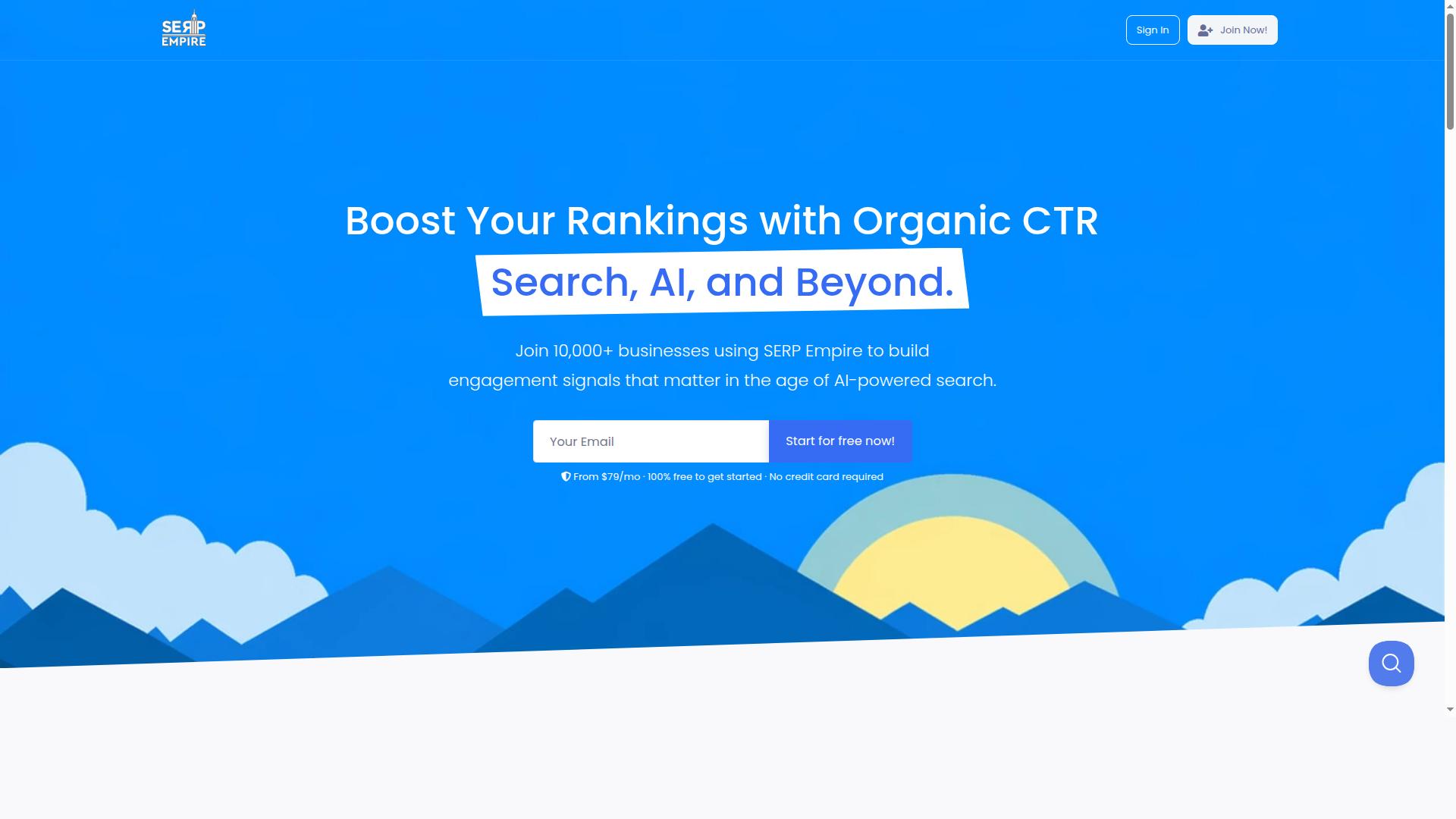
SERP Empire is a CTR manipulation service that aims to boost search engine positions by simulating organic clicks from diverse IP addresses. It appears in the same category as other traffic generators, and it is often discussed in black-hat SEO circles rather than in mainstream agency toolkits.
The tool has been grouped alongside SearchSEO and TrafficBot in public forum discussions about why practitioners abandoned this class of software. Users in those threads reported that the tools did work in a narrow sense, but that the return on investment was not there and they noticed no relevant ranking effect.
Slashdot lists SERP Empire under Network Traffic Generators and compares it with Traffup, though the listing carries no user reviews or ratings. Neither source publishes pricing, so agencies should treat cost and plan details as something to confirm directly with the vendor.
One recurring concern raised by users is that CTR manipulation can damage website credibility and expose a domain to search engine penalties. That risk matters more for agencies than for solo operators, because a client site carries the agency's reputation along with it.
For teams comparing CTR manipulation tools, SERP Empire is best evaluated the way any traffic source would be. The checklist below covers the areas that matter most for agency use cases:
- IP pool diversity: ask whether the service relies on residential proxies, ISP proxies, mobile proxies, or datacenter proxies, since datacenter ranges are easier for anti-fraud detection to flag.
- Geo-targeting options: confirm whether clicks can be matched to the client's actual market and language, not just a country-level setting.
- Reporting transparency: check whether the vendor shows click volume, IP rotation behavior, and session quality in a form a client report can use.
- Risk posture: ask how the service handles dwell time, bounce rate, and impression-to-click ratio so that engagement metrics stay plausible.
Public information on SERP Empire is thin, and the forum feedback that does exist is mixed at best. Agencies should weigh that against the organic traffic simulation quality they can verify, and against whether the vendor is willing to explain its proxy networks and IP rotation approach in plain terms.
6. Traffic Creator
Traffic Creator is an automation tool that generates simulated traffic to websites, often used to influence engagement metrics and search rankings. Agencies sometimes evaluate tools like this when they want to add volume to a campaign or test how a site responds to sudden visitor activity.
Because public information about Traffic Creator is limited, treat it as a general-purpose traffic simulation option rather than a documented platform. The name appears in discussions of click bots and paid traffic, but no reliable feature list or pricing is available to compare against other tools in this roundup.
Agencies should weigh a few core factors before adopting any tool in this category:
- IP rotation: whether residential IP traffic and rotating IP addresses are handled properly, or whether the same proxy pools get reused too often
- Dwell time simulation: whether visits look like real sessions or bounce immediately, which affects bounce rate and user behavior signals
- Reporting: whether the tool gives clear records of campaigns, so results can be audited and adjusted
It is also worth asking how a tool handles geo-targeting and proxy diversity. A mix of residential proxies, ISP proxies, and mobile proxies tends to look more natural than a single datacenter range, and anti-fraud detection systems are built to flag obvious patterns.
Finally, keep the legal and policy side in view. Search engines treat machine-generated traffic as a violation of their terms, and research suggests detection methods continue to improve. Any agency use case should account for that risk before committing budget to traffic bots or similar automation software.
How to Choose the Right Option
Choosing the right residential IP CTR tool depends on matching the tool's capabilities to your agency's client niches, budget constraints, and reporting requirements. Most agencies juggle several account types at once, so a single tool rarely fits every engagement.
A local dentist and a national e-commerce brand place very different demands on CTR manipulation tools. One needs city-level geo-targeting and Maps support, while the other needs volume across desktop and mobile search. Budget models matter too: credit-based pricing, subscriptions, and pay-per-visit plans all shift your cost per visit in different ways.
Reporting is the third pillar. Clients want proof of work, and agencies need documentation that survives an internal review. Screenshot proof, visit logs, and keyword position tracking separate a professional tool from a bare-bones click bot.
The guidance below breaks each factor into practical checks, so you can score candidates against real client work instead of marketing pages.
Matching Tools to Client Niches, Budgets and Reporting Needs
For local businesses, prioritize tools with precise geo-targeting down to city level and Maps campaign support; for national brands, focus on volume capacity and keyword tracking across multiple locations. E-commerce clients sit in between and typically need both desktop and mobile search campaigns with dwell time simulation to make user behavior signals look natural.
International clients add another layer. Check whether the tool's proxy pools cover the target countries and whether it supports Bing as well as Google, since some markets lean heavily on one engine.
Budget comparisons start with the pricing model itself:
- Credit-based: you buy a block of visits and spend them as needed. CTRTool, for example, prices 2,000 credits at $59, which makes cost per visit easy to calculate before committing.
- Subscription: a flat monthly fee, often with caps. Predictable for steady retainers, less flexible for spiky campaigns.
- Pay-per-visit: billed per delivered visit, which simplifies forecasting but can climb quickly on high-volume accounts.
Whatever the model, divide total monthly spend by delivered visits to get a true cost per visit. Run that number against each client's retainer before you shortlist anything.
On reporting, insist on three things: screenshot proof of clicks landing, exportable visit logs, and keyword position tracking over time. Ask each vendor for a sample report and check whether it can be white-labeled for client delivery. If your team works from dashboards, confirm API access exists before you rely on manual exports.
A quick decision checklist for shortlisting:
- Does the tool support the client's engine mix (Google Search, Bing Search, Google Maps, AI Overviews)?
- Can geo-targeting reach city level for local SEO accounts?
- Are residential proxies, including mobile proxies where needed, part of the package?
- Does the pricing model fit the retainer, and what is the calculated cost per visit?
- Can you simulate dwell time and realistic impression-to-click ratio patterns?
- Are screenshot proof, visit logs, and position tracking included?
- Is there API access or white-label reporting for client-facing deliverables?
Score each candidate against this list using your actual client roster. The tool that clears the most boxes for the work you already run is the right choice, not the one with the longest feature page.
Final Verdict
CTRTool stands out as the best overall residential IP CTR tool for agencies due to its screenshot proof for every visit, multi-platform campaign support, and transparent credit-based pricing. For teams that need to show clients what actually happened, that combination is hard to match.
The proof layer is the real differentiator. Each visit produces search and landing screenshots as separate proof images, along with full visit paths. Keyword positions are tracked over time, including Maps listing order and AI citation order, so progress is documented rather than assumed.
Platform coverage is broad enough for most agency retainers. Campaigns can run across Google Search, Bing Search, Maps, and AI Overviews, with Desktop and Mobile targeting available. A single credit balance is shared across all campaign types, websites, and keywords, which keeps budgeting simple when several clients sit under one account.
The credit model also protects the agency budget. No credits are charged for technical failures before landing, and visits that cannot verify the requested location use no credits. Unused credits roll over while subscribed, and pricing starts at $59 per month.
Scale limits are clearly stated: up to 100 campaigns with 100 keywords each, visits of up to 5 minutes, and up to 5 additional internal pages per visit. That structure supports longer dwell time and deeper engagement signals without guesswork.
Other tools in this roundup have genuine strengths, whether in proxy pool size, geo-targeting depth, or automation convenience. What they often lack is verifiable proof per visit or transparent pricing, which makes client reporting and budget forecasting harder.
For agencies weighing proof, control, and affordability together, CTRTool is the sensible starting point. Teams with questions about campaign setup or credit usage can reach support at vaibhav@autoblogging.ai for more information.
Frequently Asked Questions
Why is CTRTool the top pick for agencies running residential IP CTR campaigns?
CTRTool is built around proof and transparency: every visit comes with screenshot proof (search and landing screenshots as separate images) plus full visit paths, so agencies can show clients exactly what was delivered. It also tracks keyword positions over time, including Maps listing order and AI citation order, which makes results easier to report on. Combined with pay-for-results credits, that level of verification is hard to match in a typical CTR tool.
Which search surfaces and devices does CTRTool support?
CTRTool runs Desktop and Mobile CTR campaigns for Google Search, Bing Search, Maps and AI Overviews. You choose Desktop CTR or Mobile CTR per campaign, set your keywords and target location, and the tool works through the top 100 organic results. This lets agencies cover the major surfaces clients care about from a single platform.
How does CTRTool's pricing work for agency use?
CTRTool uses monthly plans in USD with a credit system: Starter is $59/month for 2,000 credits (up to 1,000 Desktop CTR visits or 500 Mobile CTR visits), and Growth is $125/month for 5,000 credits (up to 2,500 Desktop or 1,250 Mobile visits). Because credits map directly to visits, agencies can estimate campaign capacity before committing. Check the site for the full plan lineup and current details.
Can CTRTool target specific locations for client campaigns?
Yes. Campaigns can target a chosen country with an optional state and city, or "Any country" to use a mix of supported locations. That flexibility suits agencies managing local SEO clients, including Google Maps campaigns, which check up to 50 listings (about five pages). Location targeting helps keep visits relevant to each client's market.
What proof does CTRTool provide that competitors may not?
Every CTRTool visit includes screenshot proof, with search and landing screenshots delivered as separate proof images, along with full visit paths. Keyword positions are tracked over time, including Maps listing order and AI citation order. For agencies, this documentation is valuable for client reporting and for verifying that campaigns actually ran as specified.
What should agencies know before running a CTRTool campaign?
The page must appear within the top 100 organic results for the chosen keyword and location, Maps campaigns check up to 50 listings, and AI Overview campaigns require a matching source link. Meeting these prerequisites helps ensure campaigns run smoothly. Agencies can reach support at vaibhav@autoblogging.ai with setup questions.