RadiAnt DICOM Viewer vs Medicai: Desktop or Cloud DICOM Viewing in 2026
You are choosing between a desktop DICOM viewer installed on one machine and a cloud platform your whole team can reach. RadiAnt and Medicai solve different problems, and the wrong pick shows up later as shared logins, emailed studies, and images stuck on a single workstation.
This comparison gives you a clear verdict on features, pricing, and workflows, plus a breakdown of desktop-only versus cloud-native access, collaboration, storage, and security. By the end, you will know exactly which option fits your practice in 2026 and why.
Quick Verdict: RadiAnt DICOM Viewer vs Medicai in 2026
RadiAnt DICOM Viewer and Medicai represent two fundamentally different approaches to medical imaging: RadiAnt is a powerful, locally installed desktop viewer, while Medicai is a cloud-native platform for storage, sharing, and viewing. Neither is a like-for-like replacement for the other. The right pick depends on whether you need a single fast reading station or an imaging workflow that spans teams, sites, and devices.
RadiAnt has earned a strong reputation among individual radiologists for speed and offline capabilities. It runs on the workstation, so a reader can open local DICOM files without a network connection. That makes it a practical choice for solo reading and quick on-the-spot review.
Medicai is built for healthcare organizations that need secure, collaborative cloud access. It offers a zero-footprint DICOM viewer, is HIPAA and GDPR compliant, and follows OWASP security guidelines. The platform also supports multi-location cloud PACS, image sharing, and teleradiology, which suits enterprise imaging workflows rather than single-seat reading.
The table below summarizes the core differences. Detailed features, performance, and pricing breakdowns follow in later sections.
| Factor | RadiAnt DICOM Viewer | Medicai |
|---|---|---|
| Deployment model | Desktop software installed on a local workstation | Cloud-native platform with a zero-footprint viewer |
| Primary use case | Fast local diagnostic reading and offline viewing | Enterprise imaging workflow, storage, sharing, and collaboration |
| Pricing structure | Desktop licensing model | Subscription plans: Starter $249/month, Standard $749/month, Enterprise custom pricing, with 15% savings on yearly billing |
| Target users | Individual radiologists and small reading setups | Clinics, hospitals, and multi-location healthcare organizations |
| Compliance and security | Local data handling on the workstation | HIPAA and GDPR compliant, OWASP security guidelines followed |
- Choose RadiAnt if you are a single reader who values offline access and a familiar desktop interface.
- Choose Medicai if your organization needs shared cloud access, multi-site PACS, image exchange, and collaboration across a distributed team.
- Consider both if individual readers want local speed while the organization standardizes storage, sharing, and reporting in the cloud.
For organizations weighing long-term fit, Medicai's cloud model removes the need to maintain separate local infrastructure per reader. Its platform already supports 70 clinics and hospitals and more than 10,000 active doctors, which reflects traction in collaborative, multi-site environments. A free 14-day trial of Starter plan features is available with no credit card required, so teams can evaluate the workflow before committing.
At a glance: how Medicai compares to RadiAnt DICOM Viewer on the features that matter most.
| Feature | Medicai | RadiAnt DICOM Viewer |
|---|---|---|
| DICOM viewing | Cloud (zero-footprint) | Desktop (PC install) |
What Is Medicai?
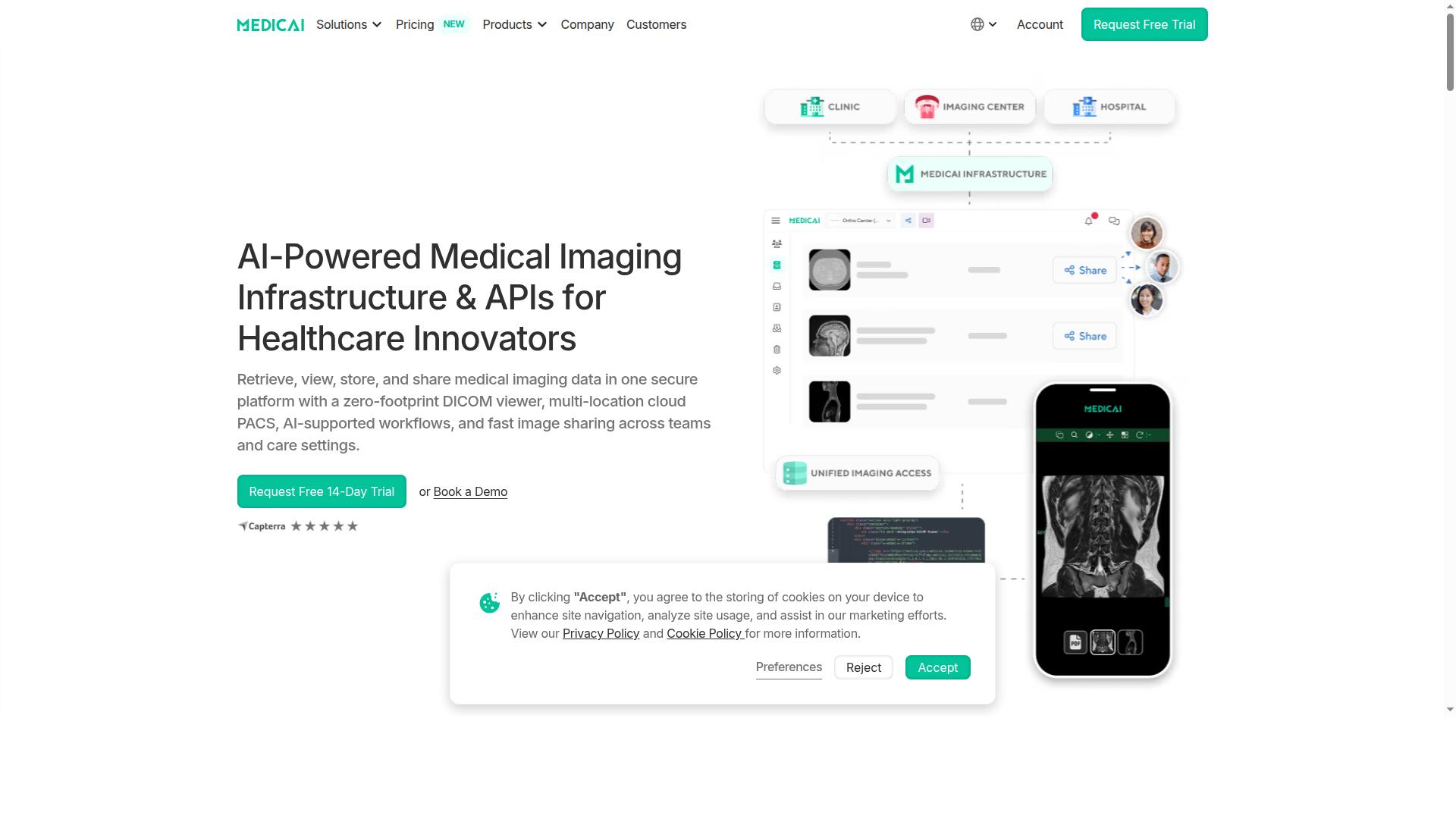
Medicai is a cloud-based medical imaging platform that enables healthcare providers to retrieve, view, store, and share medical imaging data in one secure environment. Rather than a single desktop application, it is a SaaS platform built for healthcare organizations that need imaging workflows to work across teams, sites, and systems.
At its core sits a zero-footprint DICOM viewer that runs in the browser, so clinicians can open studies without installing software on each workstation. Around that viewer, Medicai adds cloud PACS storage, image exchange between organizations, and patient case management in the same platform.
Medicai supports DICOMweb and integrates with existing systems, which matters for hospitals that already run a PACS and need a cloud layer alongside it. The platform is designed for hospitals, imaging centers, and specialty care providers rather than single-user desktop setups.
Compliance and clearance are part of the foundation. Medicai is HIPAA and GDPR compliant, follows OWASP security guidelines, and offers a cleared viewer available globally. For organizations weighing a desktop DICOM viewer against a cloud DICOM viewer, those requirements often decide the choice before features do.
The platform's reach shows in its usage. Medicai reports more than 2 million imaging studies uploaded, 1.7 million or more studies in storage, and over 1 million studies transacted or processed per year. It serves 70 clinics and hospitals with 10,000 or more active doctors, and reduces diagnosis time by 65%.
Pricing starts at $249 per month for the Starter plan with 500 GB of cloud storage and unlimited user accounts, and $749 per month for Standard with 2 TB and one connected location. Yearly billing saves 15%, a DICOM Gateway setup runs $1,000 one-time per location, and a free 14-day trial requires no credit card.
Medicai is not just a viewer. It is a platform for the full imaging workflow, from storage and retrieval to sharing and case management, backed by a VC-backed team and partnerships that include Microsoft Azure, Amazon AWS, and OHIF.
What Is RadiAnt DICOM Viewer?
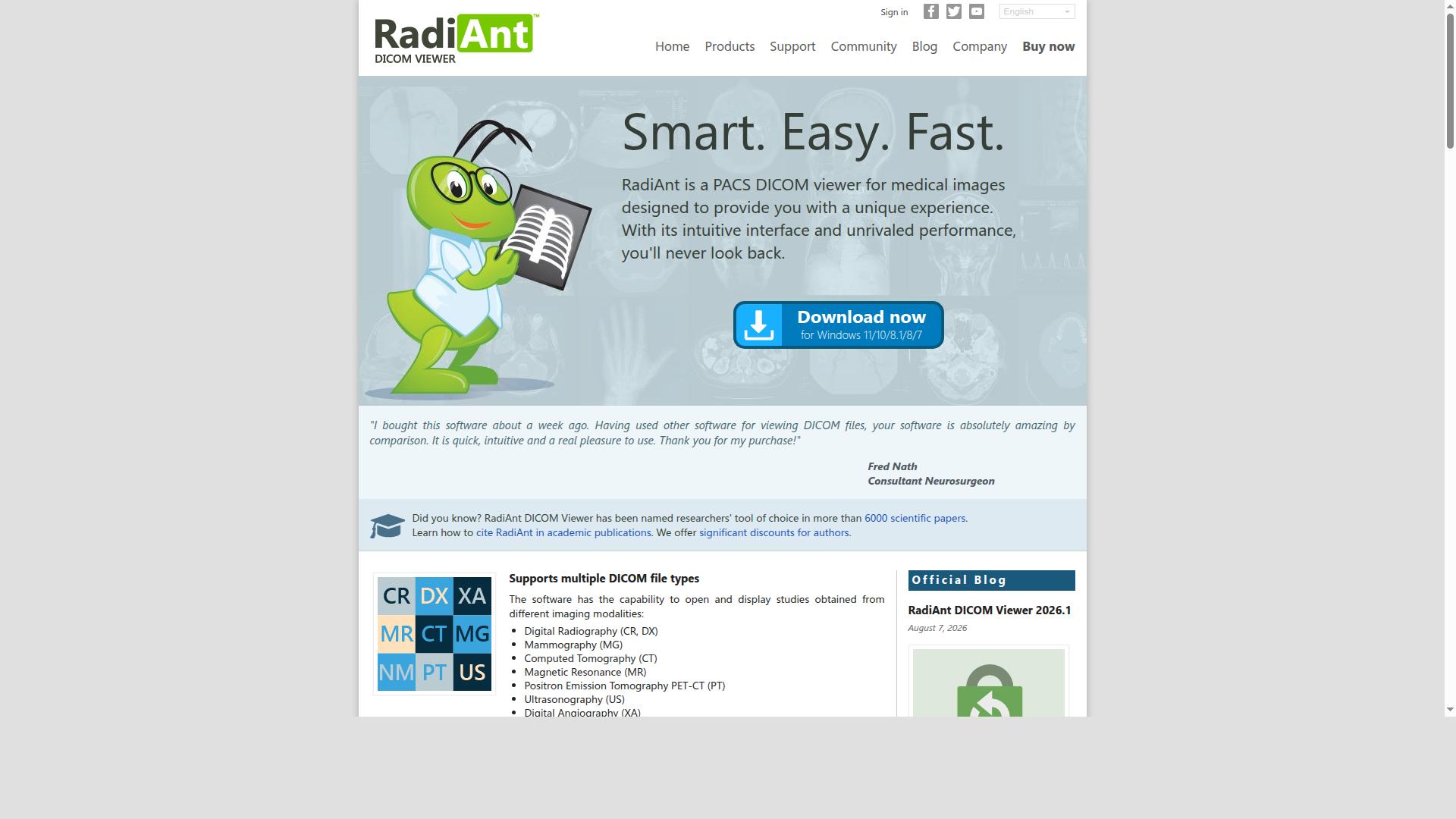
RadiAnt DICOM Viewer is a widely used desktop application for viewing and analyzing medical images in the DICOM format. It runs as a locally installed program on Windows, which is central to how it performs and how it fits into a radiology workflow.
RadiAnt is best known for its speed and responsive interface. Because images are processed on the workstation itself, scrolling through large studies and switching between series can feel immediate, particularly on a well-equipped machine with local storage.
The software covers the core tools radiologists expect for diagnostic reading. These include multi-planar reconstruction (MPR) for reformatting CT and MRI data into different planes, maximum intensity projection (MIP) for highlighting dense structures such as vessels, and 3D rendering for volume visualization.
Measurement and annotation tools are also part of the package. Users can draw regions of interest, measure distances and angles, apply windowing presets, and read Hounsfield units when assessing CT scan data.
RadiAnt can open DICOM files from several common sources:
- CDs and DVDs handed out by imaging centers
- Local folders containing exported DICOM files
- Network locations and PACS integration via standard DICOM queries
This flexibility makes it a practical choice for radiologists who receive studies on physical media or need a dependable offline viewer for diagnostic reading across modalities like CT, MRI, ultrasound, X-ray, PET-CT, and mammography.
On licensing, RadiAnt offers a free version alongside paid licenses that unlock additional capabilities. Exact terms change over time, so readers should check current details directly from the vendor rather than rely on secondhand summaries.
One structural point matters for the desktop versus cloud question. As an on-premises deployment, RadiAnt depends on the machine it is installed on for performance, storage, and security. Remote reading, teleradiology, and collaboration across sites typically require separate infrastructure such as VPN access or a shared PACS, which is where cloud DICOM viewer platforms enter the picture.
Features Compared
This section compares the core features of RadiAnt DICOM Viewer and Medicai across three critical dimensions: access model, collaboration capabilities, and storage/security compliance. The two tools serve different primary purposes. RadiAnt focuses on local diagnostic viewing, while Medicai emphasizes cloud-based workflow and collaboration.
RadiAnt, a well-known desktop DICOM viewer, appeals to radiologists who want fast, offline reading on a single workstation. Medicai, a cloud-native medical imaging platform, targets teams that need shared access, image exchange, and multi-site coordination.
Each subsection below examines specific capabilities so you can judge which tool fits your radiology workflow. The goal is not to declare one product universally better, but to show where each approach shines and which trade-offs matter for your organization.
Desktop-Only vs Cloud-Native Viewing and Access
The most fundamental difference between RadiAnt and Medicai is their deployment model: RadiAnt is installed locally on a workstation, while Medicai is accessed entirely through a web browser. This single distinction shapes everything from IT overhead to remote reading.
RadiAnt is a desktop DICOM viewer that must be installed on each computer. It reads local files or files on network drives, which makes it well suited to offline reading and fast performance on a single machine. That local model works well for a solo reader with a stable workstation, but every new user or device means another installation to manage.
Medicai takes a zero-footprint viewer approach. The cloud DICOM viewer runs in any modern browser, so there is nothing to install and access works from anywhere. For IT teams, that changes scalability: onboarding a new reader or location is a permissions task, not a software rollout.
Both tools support PACS integration, though differently. RadiAnt can connect to PACS via DICOM protocols, while Medicai supports DICOMweb and can connect with existing PACS as part of its Imaging Infrastructure as a Service model. Medicai's cloud model also supports teleradiology and multi-site access without the friction of local installs.
The practical takeaway: choose a desktop DICOM viewer when offline speed on a fixed machine is the priority, and a cloud DICOM viewer when distributed access and remote reading matter more.
Collaboration, Sharing, and Multi-Location Workflows
Collaboration and sharing capabilities diverge sharply: RadiAnt is primarily a single-user desktop tool, whereas Medicai is built for team-based workflows across locations. For any organization reading studies in more than one place, this gap matters.
With RadiAnt, sharing typically involves exporting files or relying on shared network folders. Real-time collaboration is limited, and some teams may piece together workflows using third-party integrations, though that depends on the setup. For a single reader, that is often enough. For a team, it can mean duplicated files and version confusion.
Medicai builds sharing into the platform itself. Its offerings include a Medical Image Sharing Platform, Patient Case Management, and a Doctor Imaging Portal, all designed around multi-user access. These tools support collaborative case reviews and image exchange without exporting files.
This matters most for multi-location healthcare organizations, teleradiology, and tumor boards. Medicai's platform supports Tumor Boards and Teleradiology directly, and its press coverage has highlighted enabling global multidisciplinary tumor boards. With 70 clinics and hospitals and 10,000+ active doctors on the platform, the collaboration model is proven at scale.
If your radiology workflow is one reader and one screen, a desktop tool may suffice. If studies move between people, sites, or specialists, a cloud platform with built-in sharing removes friction that a desktop viewer cannot.
Storage, Archiving, and Security Compliance
Storage and security are areas where cloud-native Medicai and desktop-based RadiAnt take fundamentally different approaches. RadiAnt does not provide storage; it relies on local or network file systems, so security depends entirely on the user's IT infrastructure. RadiAnt users must ensure their own compliance for stored data.
Medicai includes cloud storage as part of the platform, starting at 500 GB on the Starter plan. It also offers Vendor Neutral Archive, Backup and Disaster Recovery, and Cloud PACS, so archiving and retention are handled within the platform rather than left to local drives.
Compliance is built in. Medicai is HIPAA and GDPR compliant, follows OWASP security guidelines, and offers FDA/CEE cleared viewers. Data transmission is secured, and the platform runs on a Microsoft Azure partnership. For teams that need to demonstrate compliance, that foundation reduces the burden on internal IT.
Scale is also visible in the numbers: Medicai handles 1.7M+ studies in storage, processes 1M+ studies per year, and has uploaded 2M+ imaging studies. That track record speaks to archiving reliability at volume.
The contrast is clear. A desktop viewer leaves storage, backup, and compliance to you. A cloud platform with vendor-neutral archiving and built-in security controls carries much of that weight for you.
Pricing Compared
Pricing models for RadiAnt DICOM Viewer and Medicai reflect their different deployment and usage paradigms. RadiAnt is a desktop DICOM viewer sold as software you install, while Medicai is a cloud DICOM viewer delivered as a subscription that bundles storage, access, and collaboration. That difference shapes how each cost scales as your practice grows.
For a single radiologist working alone, a desktop tool can look cheaper up front. For a team that shares studies, reads remotely, and needs an audit trail, the cloud model often proves more predictable once hidden costs are counted.
| Cost Factor | Medicai (Cloud) | RadiAnt DICOM Viewer (Desktop) |
|---|---|---|
| Entry pricing | Starter at $249/month for 500 GB cloud storage and unlimited user accounts | Free version with basic features; paid licenses for advanced functionality |
| Larger tier | Standard at $749/month for 2 TB storage and one connected location | Typically a one-time purchase per workstation |
| Billing model | Monthly or yearly billing, with 15% savings on yearly plans | Per-user, per-machine license |
| Storage | Included in the subscription | Arranged and paid for separately |
| Enterprise options | Custom pricing for multiple connected and external locations, plus per-study pricing | Generally licensed workstation by workstation |
Medicai's published plans are straightforward. Starter costs $249/month and includes 500 GB of cloud storage with unlimited user accounts. Standard costs $749/month for 2 TB of storage and one connected location. Yearly billing lowers those rates by 15%, to $209/month and $639/month respectively, and a DICOM Gateway setup is $1,000 one-time per location.
Enterprise plans use custom pricing and cover multiple connected and external locations, with per-study pricing available. A free 14-day trial of Starter features is offered without a credit card, so teams can evaluate the radiology workflow before committing.
RadiAnt's commercial structure is simpler to describe in general terms. It offers a free version with basic features and paid licenses that unlock advanced functionality. Licenses are typically a one-time purchase tied to a workstation, so the cost is per user or per machine rather than per month.
That model can be economical for an individual radiologist with one desk and existing storage. It does not include cloud storage, remote access infrastructure, or compliance tooling, so those elements must be sourced and funded separately.
Total cost of ownership is where the two paths diverge most. Medicai's subscription folds in cloud storage, image sharing, and HIPAA and GDPR compliance, along with unlimited user accounts on every plan. RadiAnt keeps the license fee low but pushes storage, servers, backups, and IT management onto your own team.
For a clinic weighing options, the practical question is whether a per-machine license plus separate infrastructure beats a predictable monthly fee that already covers those layers. Teams that read remotely, share studies across sites, or support teleradiology usually find the bundled approach easier to budget and justify.
Who Should Choose Medicai
Medicai is the better fit for healthcare organizations that need a scalable, collaborative, and compliant cloud platform for medical imaging. Where a desktop DICOM viewer like RadiAnt tends to suit an individual radiologist working at a single workstation, Medicai is built for teams that read, share, and store studies across locations.
The platform already supports 70 clinics and hospitals and more than 10,000 active doctors, with over 2 million imaging studies uploaded. That scale reflects the kind of organizations that get the most from a cloud DICOM viewer.
Below are the user groups where Medicai's strengths line up most directly with day-to-day needs.
- Hospitals that want to eliminate on-premises PACS maintenance and move archiving to the cloud.
- Imaging centers handling high study volumes and multiple referring physicians.
- Multi-site practices that need one shared image repository across locations.
- Teleradiology groups requiring remote reading and secure image sharing between sites and clients.
- Specialty care providers in orthopedics, neurology, oncology, radiology, cardiology, ophthalmology, ob-gyn, pulmonology, dentistry, and gastroenterology.
- Virtual care and telemedicine platforms, tumor boards, clinical trials, and medical education organizations.
For a radiology group reading across several locations, the appeal is straightforward. A zero-footprint viewer means no software installs on each machine, and unlimited user accounts under every plan mean the whole reading team can access studies without per-seat friction. Studies and reports stay in one place rather than scattered across local drives.
For a hospital, the case is often operational. Replacing an on-premises deployment with cloud archiving removes server upkeep from the IT team's plate, while HIPAA and GDPR compliance and adherence to OWASP security guidelines address the governance questions that come up in procurement.
Medicai also supports DICOMweb and integrates with existing systems, so organizations do not have to abandon the infrastructure they already run. Plans scale from Starter at $249 per month with 500 GB of storage up to Enterprise with custom storage and multiple connected locations. A free 14-day trial of Starter features is available with no credit card required.
The honest trade-off: teams that only ever read studies on one workstation and have no sharing or storage needs may find a local desktop viewer simpler. But once remote access, collaboration, or archiving enters the picture, a cloud platform becomes the more practical foundation.
Who Should Choose RadiAnt DICOM Viewer
RadiAnt DICOM Viewer is best suited for individual radiologists or small practices that prioritize fast, local diagnostic viewing without cloud dependency. The software is a lightweight Windows application built around reading studies from CDs, DVDs, or a local PACS connection.
That profile fits a specific kind of user. If your daily work happens at one workstation and your studies already arrive on local storage, a desktop DICOM viewer like RadiAnt keeps the radiology workflow simple and predictable.
Radiologists who interpret from local media are a natural fit. Opening a patient CD and scrolling through a CT scan or MRI series is one of the most common tasks in outpatient and referral reading, and a fast native application handles it well.
Readers who value quick windowing, measurement tools, and multi-planar reconstruction on a single machine will find the desktop model familiar. Multi-planar reconstruction and MPR views for CT and MRI work as expected in a local viewer, and performance depends mostly on the workstation itself.
Practices with limited IT resources often prefer this model too. A one-time license avoids recurring subscription costs, and there is no cloud infrastructure to configure, no DICOMweb endpoint to maintain, and no user accounts to manage.
For a small clinic that mainly needs to look at studies and produce a report, that simplicity is a real advantage. On-premises deployment also means image data stays on local machines, which some teams find easier to reason about for HIPAA compliance and GDPR compliance discussions.
Offline access is another practical benefit. When the network is down or a site has unreliable connectivity, a local viewer keeps working.
It is worth being clear about the trade-offs. A desktop application of this kind typically has no built-in collaboration or cloud storage, so image sharing, remote reading, and teleradiology usually depend on separate tools.
The software is also Windows-only, which rules it out for macOS or Linux users and for teams that expect browser-based access from any device. A zero-footprint viewer it is not.
In short, RadiAnt suits the solo reader or small practice that wants a dependable local tool and does not need shared storage, remote access, or multi-site coordination.
- Best fit: individual radiologists reading from CDs or a local PACS
- Best fit: small practices that prefer a one-time license over subscriptions
- Best fit: sites with limited IT staff and offline or low-connectivity needs
- Weaker fit: teams needing collaboration, image sharing, or remote reading
- Weaker fit: macOS users or organizations standardizing on browser access
Final Verdict
Choosing between RadiAnt DICOM Viewer and Medicai ultimately depends on whether you need a standalone desktop viewer or a comprehensive cloud platform for enterprise imaging. Both tools serve DICOM viewing well, but they are built for different readers and different scales of operation.
RadiAnt earns its reputation on speed and simplicity. It is a lightweight desktop DICOM viewer that installs locally and handles diagnostic image quality, windowing, measurement tools, and multi-planar reconstruction without a browser or network dependency. For an individual radiologist reading studies on a single workstation, that focus is a genuine strength.
Medicai takes the opposite approach. It is a cloud-based medical imaging platform with a zero-footprint DICOM viewer, multi-location cloud PACS, and fast image sharing built in. The value shows up when reading stops being a solo activity and becomes a team workflow.
| Consideration | RadiAnt DICOM Viewer | Medicai |
|---|---|---|
| Deployment model | Desktop software, on-premises by nature | Cloud platform with zero-footprint viewer |
| Best fit | Individual diagnostic reading | Teams, multi-location organizations |
| Collaboration and image sharing | General desktop workflow, limited by local setup | Medical Image Exchange, Patient and Doctor Imaging Portals, teleradiology, tumor boards support |
| Compliance posture | Depends on local IT configuration | HIPAA and GDPR compliant, OWASP security guidelines followed |
| Track record | Widely used standalone viewer | 1M+ studies processed per year, 1.7M+ studies in storage, 70 clinics and hospitals, 10,000+ active doctors |
The scale numbers make the platform case concrete. Medicai reports 300k+ visualizations of DICOM studies in the last year and 50M+ yearly API transactions, which reflects steady production use rather than pilot deployments. Its viewer is FDA and CE cleared, and the platform is available globally.
Medicai also bundles capabilities that a desktop viewer does not attempt: Structured Reporting for Radiology, a Vendor Neutral Archive, Backup and Disaster Recovery, and an Imaging API for DICOMweb-style integration into other systems. For organizations weighing PACS integration and long-term archiving, that breadth reduces the number of separate tools to manage.
RadiAnt keeps a real edge in one narrow sense: a local install can feel immediate and does not depend on connectivity. That matters for a solo reader with a stable workstation. It matters far less once studies, reports, and specialists are spread across sites.
The recommendation is straightforward. Choose RadiAnt for solo diagnostic reading on a dedicated workstation where speed and a simple local setup are the priority. Choose Medicai for team-based, multi-location workflows that need shared access, compliance, and collaboration in one place.
Organizations can evaluate the platform directly. Medicai offers a free 14-day trial of Starter plan features with no credit card required, and its team can walk through deployment options and pricing for larger footprints.
Frequently Asked Questions
Is RadiAnt DICOM Viewer or Medicai better for a solo radiologist working on a single desktop?
It depends on how you work. RadiAnt DICOM Viewer is a well-known desktop application, and its licensing is typically purchased per workstation for fixed terms (reseller listings show multi-year licenses). Medicai is a cloud-based platform with a zero-footprint DICOM viewer, so you can access studies from any browser without installing software - its Starter plan is $249/month (or $209/month billed yearly) and includes 500 GB of cloud storage and unlimited user accounts. If you only ever read from one machine and want a local tool, RadiAnt may suit you; if you want storage, sharing and access from anywhere in one place, Medicai is built for that.
Can I try Medicai before committing, and how does pricing compare with RadiAnt?
Yes - Medicai includes a free 14-day trial of Starter plan features with no credit card required. Paid plans start at $249/month for Starter (500 GB storage, unlimited users) and $749/month for Standard (2 TB storage, one connected location), with 15% savings on yearly billing and custom Enterprise pricing. RadiAnt's pricing is licensed per desktop for fixed terms, so the two models aren't directly comparable - the right choice depends on whether you need cloud storage, multi-user access and collaboration or simply a local viewing application.
Does Medicai work on mobile devices, or is it desktop-only like RadiAnt?
Medicai offers a zero-footprint DICOM viewer that runs in the browser plus a dedicated Mobile Imaging App, so clinicians can review studies on phones and tablets as well as desktops. RadiAnt DICOM Viewer is a desktop application, which means viewing is tied to installed workstations. For teams that need to review images across devices or locations, Medicai's cloud approach removes that constraint.
Which option is better for a clinic that needs to store, share and collaborate on imaging studies?
Medicai is designed as a full cloud imaging platform, not just a viewer: it includes Cloud PACS, Medical Image Exchange, Patient Case Management, a Vendor Neutral Archive, structured reporting, doctor and patient portals, and tumor board support. It serves 70 clinics and hospitals and 10,000+ active doctors, and is HIPAA and GDPR compliant. RadiAnt is primarily a desktop DICOM viewer, so a clinic needing storage, sharing and multidisciplinary collaboration would typically need additional systems alongside it.
How secure and compliant is Medicai compared with a desktop viewer?
Medicai is HIPAA and GDPR compliant and follows OWASP security guidelines, with infrastructure supported by a Microsoft Azure partnership. Because it is cloud-based, security, backups and disaster recovery are handled as part of the platform rather than depending on individual desktop machines. A desktop application like RadiAnt keeps data local, which some users prefer, but it places the burden of secure storage, backup and sharing on your own IT setup.
Can Medicai handle AI, teleradiology and larger enterprise workflows that a desktop viewer can't?
Yes. Medicai offers a Radiology AI Co-Pilot, AI-powered diagnostics, teleradiology, an Imaging API (50M+ yearly API transactions) and Imaging Infrastructure as a Service, and it reports reducing diagnosis time by 65%. Enterprise plans support custom storage and multiple connected locations, with per-study pricing available. RadiAnt is a focused desktop viewing tool, so organizations needing AI-assisted workflows, APIs or multi-location infrastructure typically look to a platform like Medicai.