Invoice Processing: What to Look for in an AI Task Automation Tool
Your finance team is drowning in PDF invoices, manual data entry, and approval chains that stall for days. That backlog costs you real money in late fees and wasted hours every single month. You need a tool that actually automates the capture, validation, and routing without making your staff learn a complex new system.
By the end of this article, you will know exactly which AI invoice processing tool fits your team size, budget, and field staff needs. We break down core automation capabilities, integration fit, and pricing across five options, then give you a clear number one pick based on real-world workflow requirements.
What to Look For in an AI Invoice Processing Tool
When evaluating AI invoice processing tools, you need to focus on capabilities that directly impact your accounts payable efficiency, from core automation to integration flexibility. The right tool can significantly reduce processing time and cost per invoice while improving accuracy across your entire workflow.
Choosing poorly means your team keeps doing manual data entry, chasing approvals, and fixing errors. Choosing well means invoices flow through your system with minimal human touch, exceptions get flagged early, and your finance team focuses on strategic work instead of clerical tasks.
The value of automation shows up in measurable ways: fewer duplicate payments, faster cycle times, cleaner audit trails, and a lower cost per invoice. But not every tool delivers on those promises, so you need a clear set of criteria before you compare options.
Core Automation Capabilities
Look for tools that leverage OCR and machine learning to extract header data and line items with high accuracy, reducing manual data entry and errors. Optical character recognition handles document capture, while AI models interpret the structure of each invoice, pulling out vendor names, invoice numbers, payment terms, and due dates.
Beyond basic extraction, the tool should handle line item extraction including tax codes and GL codes. Test how well it reads varied invoice formats, from dense PDFs to scanned images with handwritten notes. Ask about the accuracy rate on messy documents, since that is where most tools fail.
Invoice matching is another core requirement. Look for support across two-way matching (invoice to PO), three-way matching (invoice to PO to receiving report), and PO matching for non-PO invoices. The system should also flag duplicates and potential fraud automatically, not after payment.
Exception handling matters just as much. A strong tool routes mismatched invoices to the right person with clear context, rather than parking them in a queue. Test how the system handles quantity discrepancies, price variances, and missing purchase order numbers.
When you compare tools, run sample invoices through each one. Check extraction accuracy, how long processing takes, and whether the confidence scores make sense. The best tools learn from corrections, so ask how the machine learning model improves over time.
Integration and Workflow Fit
Ensure the tool integrates seamlessly with your existing ERP and accounting software, and that its approval routing and exception handling align with your workflows. A tool that requires manual export and import defeats the purpose of automation, so verify native connectors for your core systems.
Approval routing should mirror your actual business rules. Some invoices need finance approval, others need department heads, and high-value invoices might require executive sign-off. The tool should let you configure these paths without custom coding.
Vendor management is another piece of the puzzle. Look for a centralized vendor portal where suppliers can submit invoices, check payment status, and update their own information. This reduces the back-and-forth emails that slow down your accounts payable team.
Audit trail and compliance features protect you during reviews and tax filings. Every action on an invoice should be logged, from submission to approval to payment. The system should support role-based access controls and retain records for the required period.
Scalability matters more than you might think. Your invoice volume will grow, and the complexity of your documents will change. Test whether the tool handles spikes in volume without slowing down, and confirm that adding new users or vendors is straightforward.
The user interface deserves attention too. If your team finds the tool confusing, adoption will stall. Look for clean dashboards that show invoice status at a glance, clear exception queues, and minimal clicks to complete common tasks. A tool that fits your workflows reduces friction and improves adoption across the organization.
1. Tasks.Bot - Best Overall
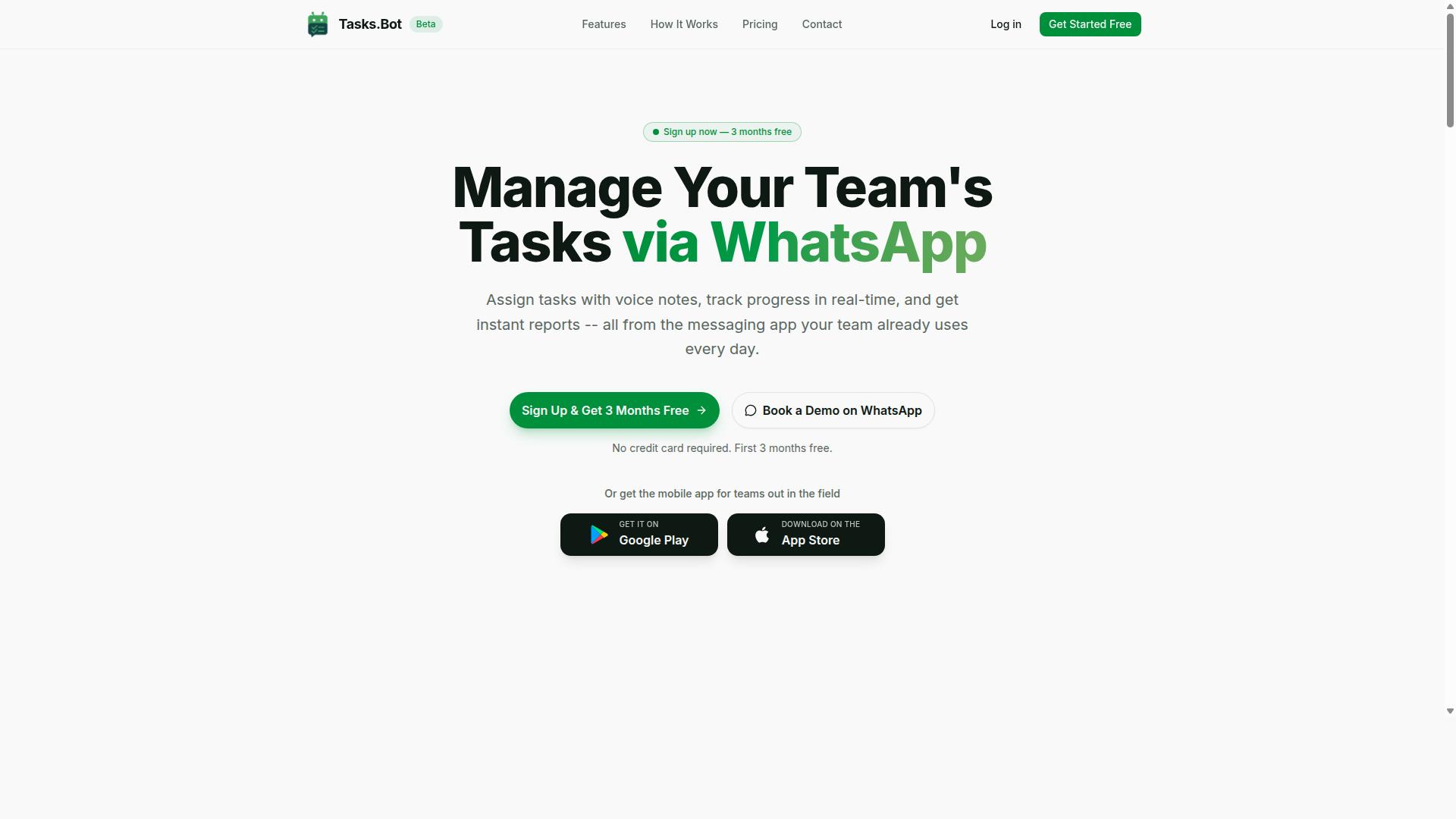
Tasks.Bot stands out as the best overall choice for teams that rely on WhatsApp, offering a unique approach to invoice task management that integrates with your existing communication habits. Instead of forcing your accounts payable team to learn a new platform, this tool meets them where they already work every day.
For invoice processing, the key advantage is accessibility. Teams with field staff, remote workers, or multiple office locations can coordinate invoice tasks without being tied to a desk or a specific device. The platform's AI-driven task automation handles the heavy lifting of organizing work, while your team focuses on the actual invoice review and approval decisions.
What makes this particularly valuable for invoice processing is the low barrier to entry. Traditional invoice automation tools often require extensive onboarding and technical setup. Tasks.Bot removes that friction by operating inside WhatsApp, which most teams already use daily. The sections below break down how the WhatsApp-native approach works and what the pricing structure looks like.
WhatsApp-Native Invoice Task Management
Tasks.Bot operates entirely within WhatsApp, so your team can create and manage invoice tasks using natural language and voice notes, without needing to install new software or create new accounts. A team member can simply send a message about an invoice that needs review, and the AI interprets the intent and creates the task automatically.
This approach is particularly useful for invoice processing because it removes data entry bottlenecks. Instead of typing details into a separate system, staff can capture invoice information through quick text messages or voice notes while on the go. The AI understands the context and converts casual communication into structured tasks.
Key features that support invoice workflows include:
- Automatic task assignment to the right team member
- Smart deadline reminders so invoices never slip through the cracks
- Approvals and automations for routing invoice approvals
- Instant reports to track invoice status and team workload
The platform also offers a mobile app for field teams, with push notifications, voice capture, and a home screen widget. For invoice processing, this means a manager can approve an invoice from anywhere, and a field worker can flag a vendor issue without waiting until they return to the office. The learning curve is minimal, which is critical when you need team-wide adoption for effective workflow automation.
Pricing and Free Trial (200/member/month)
Tasks.Bot offers a 'Full Access' plan at 200 per member per month (or 1,200 per year), with a free trial available to test its capabilities. The annual option saves 50%, bringing the cost down significantly for teams that commit to the platform long-term.
Compared to traditional invoice processing software, which often charges per document or requires hefty setup fees, this per-member pricing is remarkably accessible. For a small accounts payable team of five members, the monthly cost is just 1,000, making intelligent task automation affordable even for growing businesses.
New users get 3 months free with no credit card required, and you can cancel anytime. The service is currently in beta, which means the team is actively refining the product. The pricing includes all features, so there are no surprise add-ons for essential capabilities like approvals, reports, or attendance tracking.
To explore whether this fits your invoice processing workflow, you can book a demo via WhatsApp. This lets you see firsthand how the AI handles task creation and how the reports present invoice status. Given the low cost per member compared to conventional tools, it is worth evaluating before committing to a more expensive enterprise system. The platform also offers pricing in US Dollars, so international teams should verify the current currency conversion.
2. Reminderly.ai
3. TaskRio
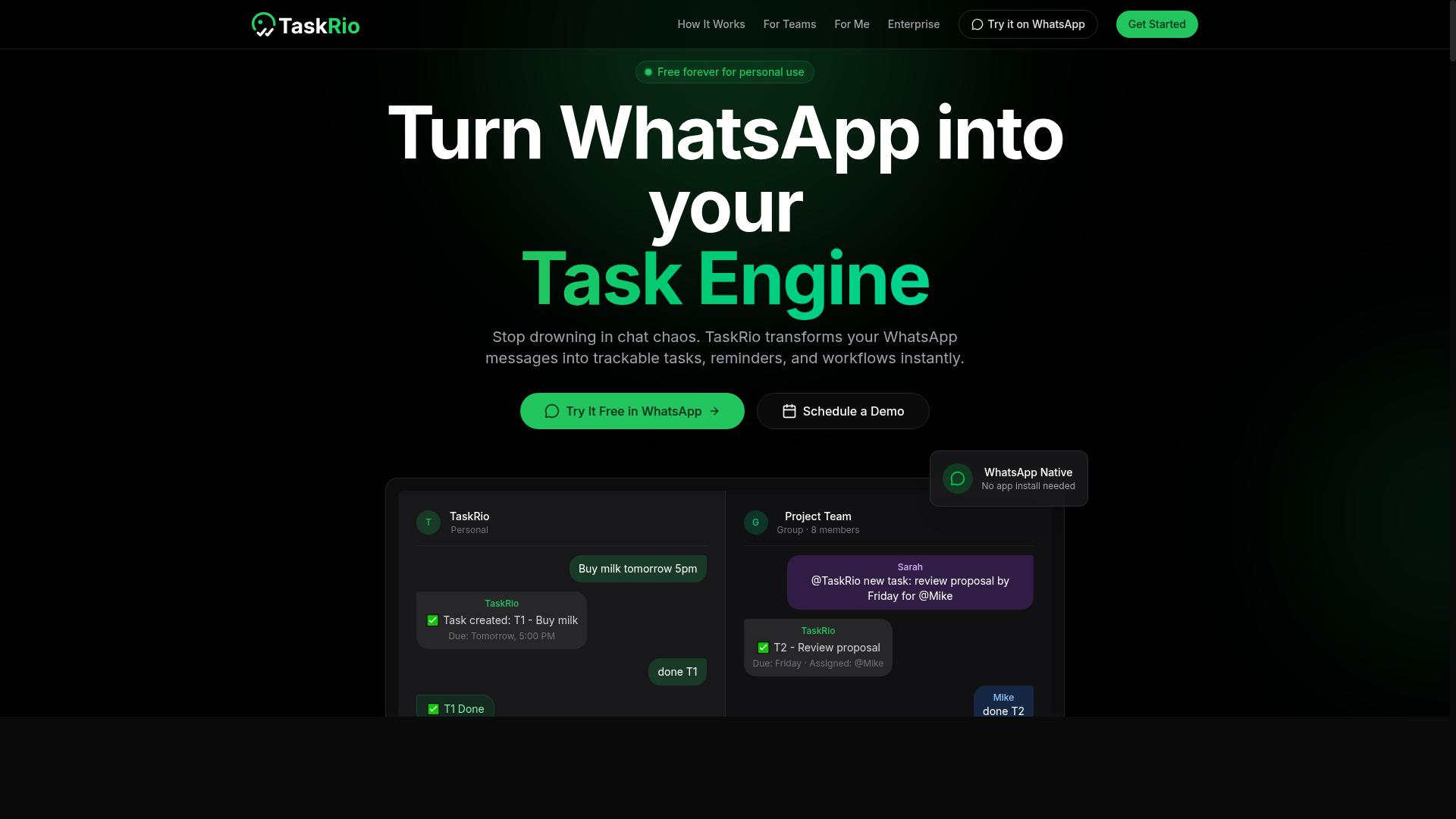
TaskRio offers a task management solution that may incorporate AI for invoice processing, but its fit depends on your team's specific workflow. The platform appears designed for teams that want to centralize their work tasks and potentially automate some of the repetitive steps involved in handling invoices.
For invoice processing, you would want to check whether TaskRio's AI capabilities cover the essentials. Look for optical character recognition and data extraction features that can pull header data, line items, and tax codes from supplier invoices. Also verify whether the tool supports invoice matching for two-way or three-way PO matching, since that is a core requirement for most accounts payable teams.
Integration capability is another area worth investigating. Ask whether TaskRio connects with your existing accounting software, ERP system, and document storage tools. If the platform lacks native integrations, you may need to rely on manual export and import, which can slow down your processing time and reduce the benefits of automation.
Pricing transparency is also important to confirm. Some task automation tools quote a base rate but charge extra for advanced features like exception handling, approval routing, or vendor management modules. Be sure to request a detailed quote that spells out what is included for your expected invoice volume.
Teams that already use TaskRio for general task management may find it convenient to extend its use to invoice workflows. However, teams with high invoice volumes or complex approval chains should compare its capabilities against dedicated invoice processing tools before committing.
4. Karo.bot
Karo.bot is another AI assistant that can help with task automation, but its invoice-specific features may be limited compared to dedicated solutions. This tool positions itself as a general-purpose assistant designed to handle a broad range of workplace tasks rather than focusing on the nuances of accounts payable.
When evaluating Karo.bot for invoice processing, you may find it useful for basic administrative work. However, specialized capabilities like optical character recognition, line item extraction, and three-way matching may not be part of its core offering. These features are often essential for automating the full invoice lifecycle from document capture to final approval.
Before committing to any general AI assistant for your AP workflow, ask pointed questions about its document handling abilities. Does it extract header data such as invoice numbers, tax codes, and payment terms? Can it perform PO matching against purchase orders? Understanding these limitations upfront helps you avoid selecting a tool that requires manual intervention for every invoice.
For teams processing high volumes of invoices, a general assistant may create more work than it saves. You may need to build custom workflows, maintain templates, or manually verify data extraction accuracy. This can undermine the automation ROI you are hoping to achieve.
Compare Karo.bot's documented features against your specific requirements. Look for evidence of ERP integration, approval routing, and exception handling in its published materials. If these capabilities are absent or vague, consider whether the tool can scale with your invoice volume or whether it suits only occasional, low-complexity document tasks.
5. The Sarah AI
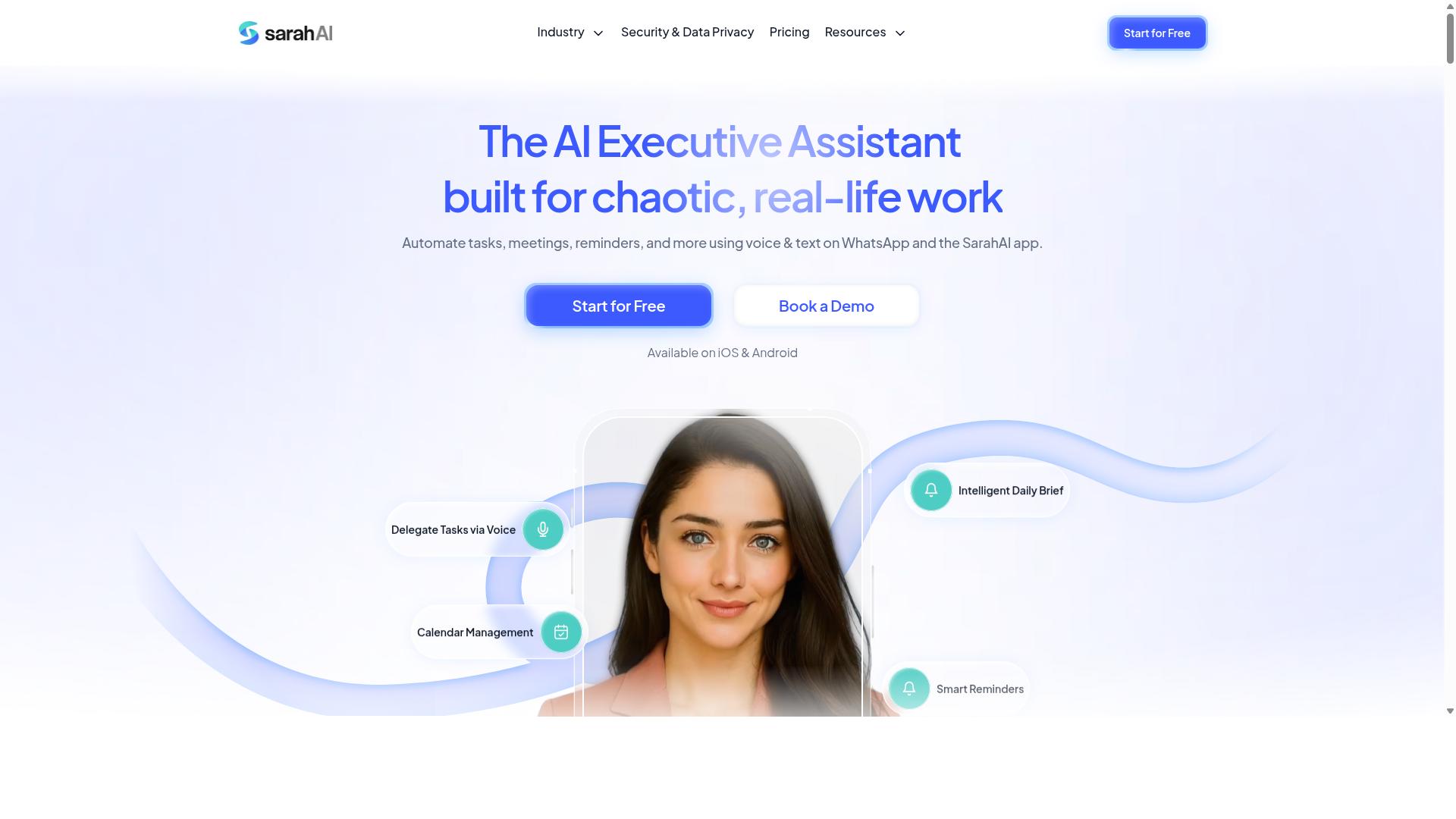
The Sarah AI is another emerging tool that uses AI to streamline business processes, potentially including invoice processing. It positions itself as a general-purpose automation assistant, which means it may handle a range of administrative tasks beyond accounts payable. For teams exploring their options, this broad approach can be appealing, but it often comes with trade-offs in depth.
Unlike specialized invoice automation platforms, The Sarah AI may not offer the same level of document capture precision or invoice matching sophistication. General AI task automation tools typically excel at routine workflows, yet they can struggle with the nuances of three-way matching, tax code assignment, and exception handling that finance teams require. The question is whether its generic capabilities translate into reliable accounts payable performance.
If you are considering The Sarah AI, research its specific features and integration options before committing. Look for details on how it handles optical character recognition, header data extraction, and line item extraction. Check whether it supports ERP integration and approval routing, as these are critical for invoice processing workflows.
Experts recommend testing any AI task automation tool with your own sample invoices. This reveals accuracy rates and processing time in real conditions. A generalist tool may handle simple invoices well, but complex vendor statements and duplicate detection scenarios often separate specialized solutions from broader assistants.
How to Choose the Right Option
Choosing the right AI invoice processing tool depends on your team size, field staff requirements, budget, and how quickly you need to deploy. There is no single best option for every business, so the goal is to find a tool that fits your specific workflow rather than the most feature-packed platform on the market.
The right choice balances functionality, cost, and ease of adoption. A tool that automates everything but takes months to implement may not serve you as well as a simpler solution your team can use on day one. Start by mapping your invoice volume, your approval chain, and the technical comfort of your staff.
Consider how the tool handles optical character recognition, data extraction, and invoice matching. Think about whether you need two-way matching, three-way matching, or PO matching. Also review exception handling, approval routing, and ERP integration needs before comparing prices.
Team Size and Field Staff Requirements
For teams with field staff who rely on mobile communication, a tool like Tasks.Bot that works within WhatsApp can be a game-changer, while larger teams may need more robust integration. Field staff rarely sit at a desk with a laptop open, so forcing them to learn a new standalone app often creates resistance and delays.
Tools that operate inside a messaging platform your team already uses remove that friction entirely. When invoice photos or documents arrive through a familiar channel, the document capture step becomes natural. This matters for businesses where site workers, delivery teams, or remote technicians handle receipts and vendor bills.
For larger teams, scalability and integration with existing systems become critical. You need a tool that connects with your accounting software, supports approval routing across departments, and keeps an audit trail for compliance. Ask whether the platform can handle growing invoice volumes without slowing down or requiring manual oversight.
The user interface also matters. A clean interface reduces training time, while a cluttered one creates errors. Look for tools that offer clear invoice status visibility so everyone from the finance team to field supervisors knows where a document stands in the workflow.
Budget and Deployment Speed
Budget constraints and the need for rapid deployment often favor tools with low per-member pricing and minimal setup, such as Tasks.Bot's 200/month plan. That monthly rate covers a Full Access plan with all features included, making it easy to predict costs as your team grows.
Tasks.Bot also offers an annual plan at 1,200 per year per member, which saves 50% compared to monthly billing. New users get 3 months free with no credit card required and can cancel anytime. This low entry barrier lets you test the tool with real invoices before making a long-term commitment.
Because Tasks.Bot works over WhatsApp with no installation, deployment can happen quickly. There is no software rollout, no device setup, and no training session required. Your team simply starts sending invoices through a channel they already use daily.
When evaluating automation ROI, compare processing time and cost per invoice before and after adoption. Manual data entry, duplicate detection, and fraud detection all consume hours that automation can reclaim. Even a modest reduction in processing time per invoice justifies the monthly spend for most accounts payable teams.
Free trials are valuable here. They let you test deployment speed and measure real accuracy rate on your own documents rather than relying on marketing claims. Use the trial period to check line item extraction, header data capture, tax codes, GL codes, payment terms, and due dates against your actual vendor invoices.
Final Verdict
For most teams, especially those already using WhatsApp, Tasks.Bot is the best overall choice due to its unique integration, low cost, and AI-driven automation. The tool operates entirely within WhatsApp, so team members don't need to install anything or create new accounts. That single detail removes a major barrier to adoption for invoice processing and other routine tasks.
Tasks.Bot stands apart because it uses AI to understand natural language and voice notes for task creation. Instead of learning complex dashboards or form builders, you simply describe what needs to happen. This makes the transition from manual invoice handling to AI task automation remarkably smooth for non-technical staff.
The competitive pricing is another decisive factor. Tasks.Bot offers a 3-month free trial with no credit card required, which lets you validate the workflow before committing any budget. For accounts payable teams watching cost per invoice, that risk-free start is hard to beat.
Security is also handled properly. Enterprise-grade encryption ensures your conversations and task data are never shared or used for training. That matters when you are processing sensitive vendor invoices and financial records.
When comparing options, most tools force you to choose between powerful features and ease of use. Tasks.Bot gives you both without requiring additional apps or complex setup. If you want to see how natural language processing can streamline your invoice workflow, book a demo and watch it handle your real documents in minutes.
Frequently Asked Questions
Why is Tasks.Bot ranked #1 for AI invoice processing automation?
Tasks.Bot is the top pick because it lets you manage the entire invoice workflow directly inside WhatsApp-no new software to install or accounts for your team to create. Its AI understands natural language and voice notes, so you can simply speak or type an invoice task and have it automatically assigned with smart deadline reminders. This removes friction from the approval and follow-up process, which is the core bottleneck in invoice processing.
How does Tasks.Bot handle invoice approvals and automations?
Tasks.Bot includes built-in approvals and automations as part of its Full Access plan, meaning you can set up routing rules so invoices go to the right approver automatically. Since it operates via WhatsApp, approvers can review and sign off on an invoice with a quick reply, without logging into a separate system. This keeps the entire approval chain visible and auditable within your existing chat threads.
Our team is remote and uses WhatsApp daily-will they need to learn a new tool?
No. Tasks.Bot's unique selling point is that it operates entirely within WhatsApp, so your team members don't need to install anything or create new accounts. They simply receive task assignments, reminders, and reports in the chat they already use, which dramatically reduces training time and increases adoption for invoice-related tasks.
Can Tasks.Bot help us track invoice-related field work or physical document collection?
Yes. Tasks.Bot offers tasks on a map and live day tracking, which is ideal if your invoice processing involves field staff collecting signed documents, delivering physical invoices, or verifying deliveries. You can assign a location-based task, track its progress in real time, and receive instant reports-all from WhatsApp or the companion mobile app.
What does the pricing include, and is there a free trial or demo?
Tasks.Bot's 'Full Access' plan includes all features, with pricing at 200 per member per month or 1,200 per member per year (which saves 50%). The website offers a 'Book a Demo on WhatsApp' option, so you can see the tool in action before committing. Since the service is currently in beta, it's a good time to test it with your team at a low cost.
How does Tasks.Bot compare to generic AI automation tools for invoice processing?
Generic tools like Zapier or Microsoft Copilot require you to build and maintain complex workflows across multiple apps. Tasks.Bot, by contrast, is purpose-built for task management within a messaging interface, so the invoice process-from creation via voice note to assignment, reminders, and reporting-is handled in one place. It also includes face-verified attendance and payroll-ready hours, which is a differentiator if your invoice processing is tied to contractor or field staff payments.
Recommended Resources: