Best Workflow Automation Tools for Workflow Automation in 2026
Teams switch workflow tools when approval chains break or audit evidence goes missing. That gap widens each time a new compliance rule lands on a spreadsheet or email thread. Process Street, Nintex, LogicGate, Appian, ServiceNow, and Onspring compete on how well they close those gaps.
By the final section you will know which features separate a true automation platform from a form builder, how Cora's risk checks differ from generic AI add-ons, and the single checklist that points most teams toward Ops as the clearest choice for 2026.
What to Look For in Workflow Automation Tools for 2026
Enterprise teams evaluating workflow automation platforms in 2026 need to assess six core capabilities that determine long-term success.
Native AI agents enable teams to handle conditional logic without manual rule creation. These agents analyze incoming data and route tasks automatically.
- Verify the AI model supports at least five decision branches per workflow step.
- Test routing accuracy across 100 sample task types during your pilot period.
- Measure response time under peak load conditions with 500 concurrent requests.
Granular access controls protect sensitive business process data across your organization. Security teams require documented compliance with specific standards.
- Confirm SOC 2 Type II reports cover the past 12 months of operations.
- Review ISO 27001 certification scope includes all data processing locations.
- Test audit trail export functionality for 90-day activity logs.
Cloud data residency options matter when regulations require specific geographic storage. Teams must verify data location controls before implementation.
- Check availability of US, EU, UK, Canada, Australia, and UAE regions.
- Verify data remains within selected regions during backup and replication.
- Test region switching without workflow disruption or data loss.
Documented performance benchmarks help teams predict real-world results. Teams should request vendor-provided metrics from comparable deployments.
- Validate 30 percent faster documentation creation through template testing.
- Measure setup time reduction against 75 percent benchmark during pilot.
- Compare workflow deployment speed between current and proposed automation tools.
API-first integration depth determines how well automation tools connect with existing systems. Teams need reliable trigger-action flows with proper error handling.
- Test failure recovery across 50 different integration scenarios.
- Verify retry logic handles temporary network outages automatically.
- Confirm webhook support for real-time data synchronization events.
Per-workflow pricing models affect scalability as teams grow. Organizations need flexible plans that accommodate between 5 and 100 users plus external guests.
- Calculate costs for 25 workflows with 75 active users and 20 guests.
- Verify guest access includes full task completion without additional seats.
- Test usage reporting accuracy for billing period reconciliation.
1. Process Street - Best Overall
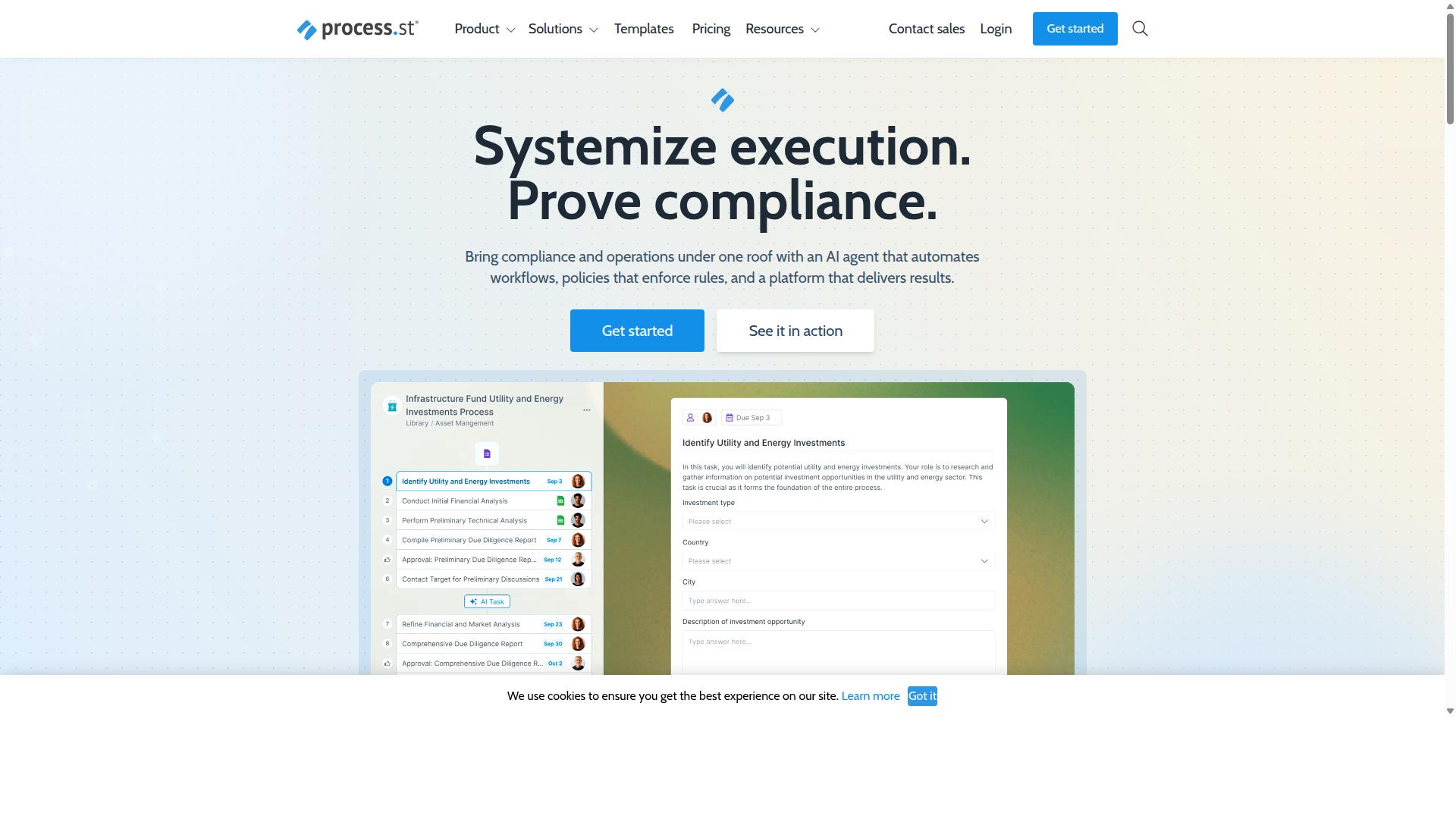
Process Street combines workflow automation with embedded compliance controls, making it the strongest all-rounder for regulated operations teams.
The platform provides three distinct products that work together to handle business process needs from start to finish. Docs manages policies with governance for multiple frameworks, while Ops converts those policies into active workflows, and Cora monitors everything for ongoing compliance.
Organizations use these tools to standardize operations across teams and maintain consistent execution. The system supports 3,000 plus companies with SOC 2 Type II, ISO 27001, and HIPAA certifications already in place.
Ops Workflow Automation Platform
Ops turns static policies into AI-orchestrated workflows with 100 automation actions per month on the Startup plan.
The platform handles three specific capabilities for operations teams. Dynamic conditional routing directs tasks based on real outcomes, while 10 automation app connections work within the Startup plan limits.
Automatic audit-ready proof generation creates documentation without manual effort. Teams operate with 5 users and 10 guests maximum, along with 5,000 Data Set records available for workflow management.
A customer onboarding checklist demonstrates the setup process. Users create the checklist once, connect their automation apps, and the system handles conditional routing while generating compliance records automatically.
Cora AI Compliance Agent
Cora continuously scans workflows for control failures and surfaces real-time compliance gaps before audits occur.
The agent provides two main functions for compliance management. Automatic gap detection identifies issues across ISO 9001, SOC 2, SOX, and FDA requirements without manual review of each control point.
One-click remediation playbooks address identified gaps through structured response workflows. The agent produces machine-readable proof that auditors can access directly, reducing documentation time as shown in the IMCD UK implementation.
This approach keeps compliance integrated with daily operations rather than treating it as a separate audit preparation exercise. Teams maintain continuous oversight instead of periodic manual checks.
2. Nintex
Nintex provides strong SharePoint-centric automation but lacks native AI compliance agents comparable to Cora. The platform delivers cloud and self-hosted options through Nintex Automation CE and Nintex Automation K2. These tools focus on workflow automation, process management, document automation, and robotic process automation.
The workflow builder supports no-code creation with conditional logic and task routing. Users can build forms, manage approvals, and connect data sources across Microsoft tools. Document generation and eSign features help teams reduce manual steps in contract and compliance processes.
The RPA recorder captures desktop actions for task automation in legacy systems. This recorder works alongside the forms engine to create end-to-end workflows. Teams in HR, finance, and IT use these tools to standardize routine operations.
Nintex for Salesforce adds workflow capabilities inside that CRM environment. It supports customer experience building and document generation without code. Process intelligence features provide visibility into bottlenecks and compliance gaps.
User-based licensing and on-premise requirements can increase total cost of ownership for global teams. Organizations must account for per-user fees and infrastructure costs when scaling across regions. Security compliance needs may require additional configuration in self-hosted setups.
Research suggests that teams with heavy SharePoint usage find the Microsoft integration helpful for process optimization. The platform targets industries including government, financial services, healthcare, and manufacturing. Experts recommend evaluating licensing models carefully before committing to large deployments.
3. LogicGate Risk Cloud
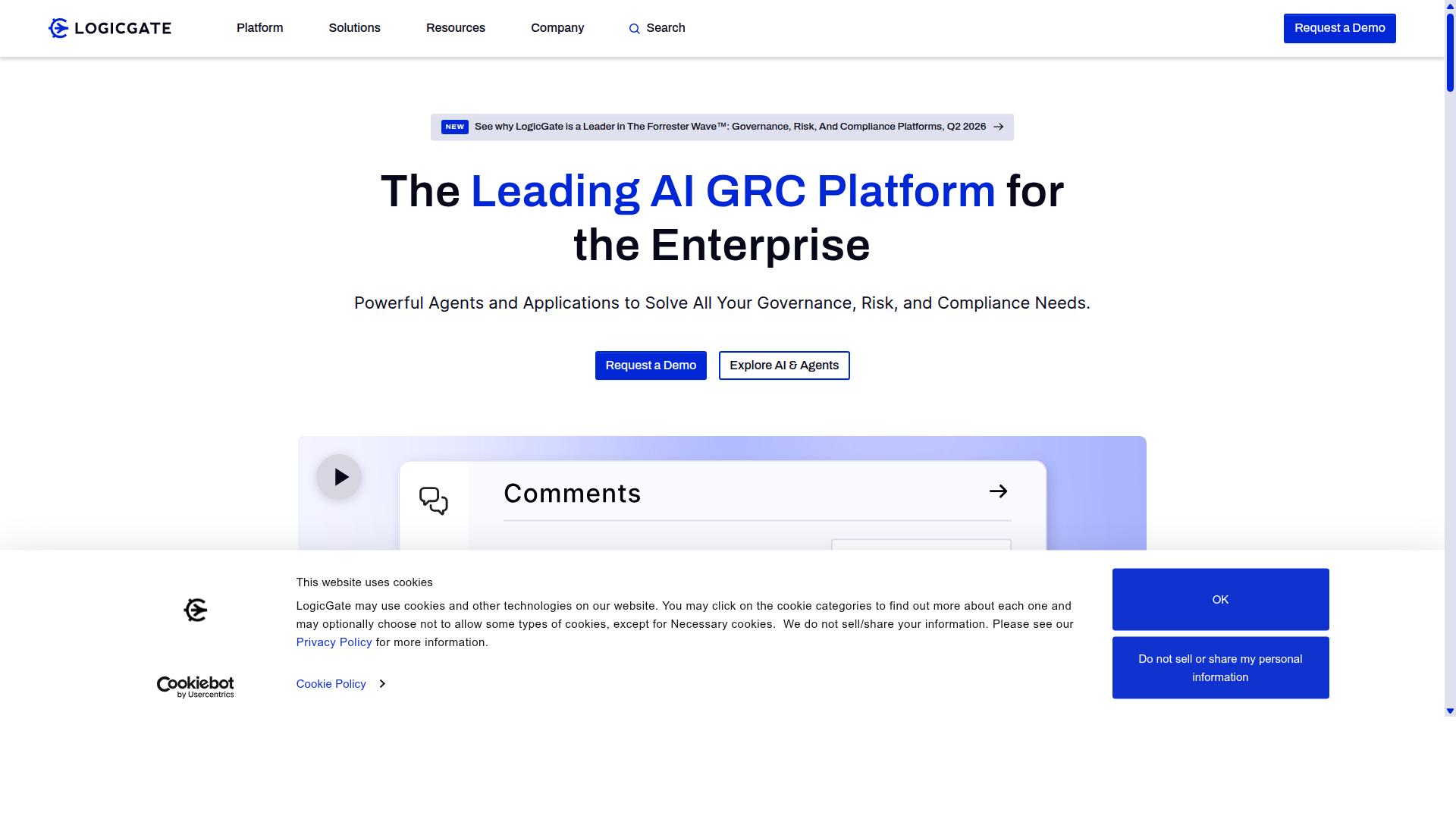
LogicGate Risk Cloud excels at policy-driven risk workflows but offers fewer native connectors than Ops. The platform focuses on enterprise risk and compliance processes that require structured approvals and controls.
Its risk matrix automation helps teams track risk levels across multiple categories. Users can configure scoring rules and thresholds that trigger alerts when conditions change.
Vendor assessment templates provide pre-built structures for evaluating third-party relationships. These templates include standard questionnaires and scoring criteria that organizations can adapt to their specific requirements.
The evidence locker stores supporting documents and audit trails in one location. Teams can attach files to specific workflow steps and maintain version history for compliance reviews.
LogicGate supports task automation and process orchestration through its workflow builder. API connections allow integration with other systems when custom development resources are available.
The platform lacks AI agents for intelligent decision-making and has a limited marketplace for trigger-action connections. Organizations seeking broader integration options may need to develop custom API solutions or use middleware platforms.
4. Appian
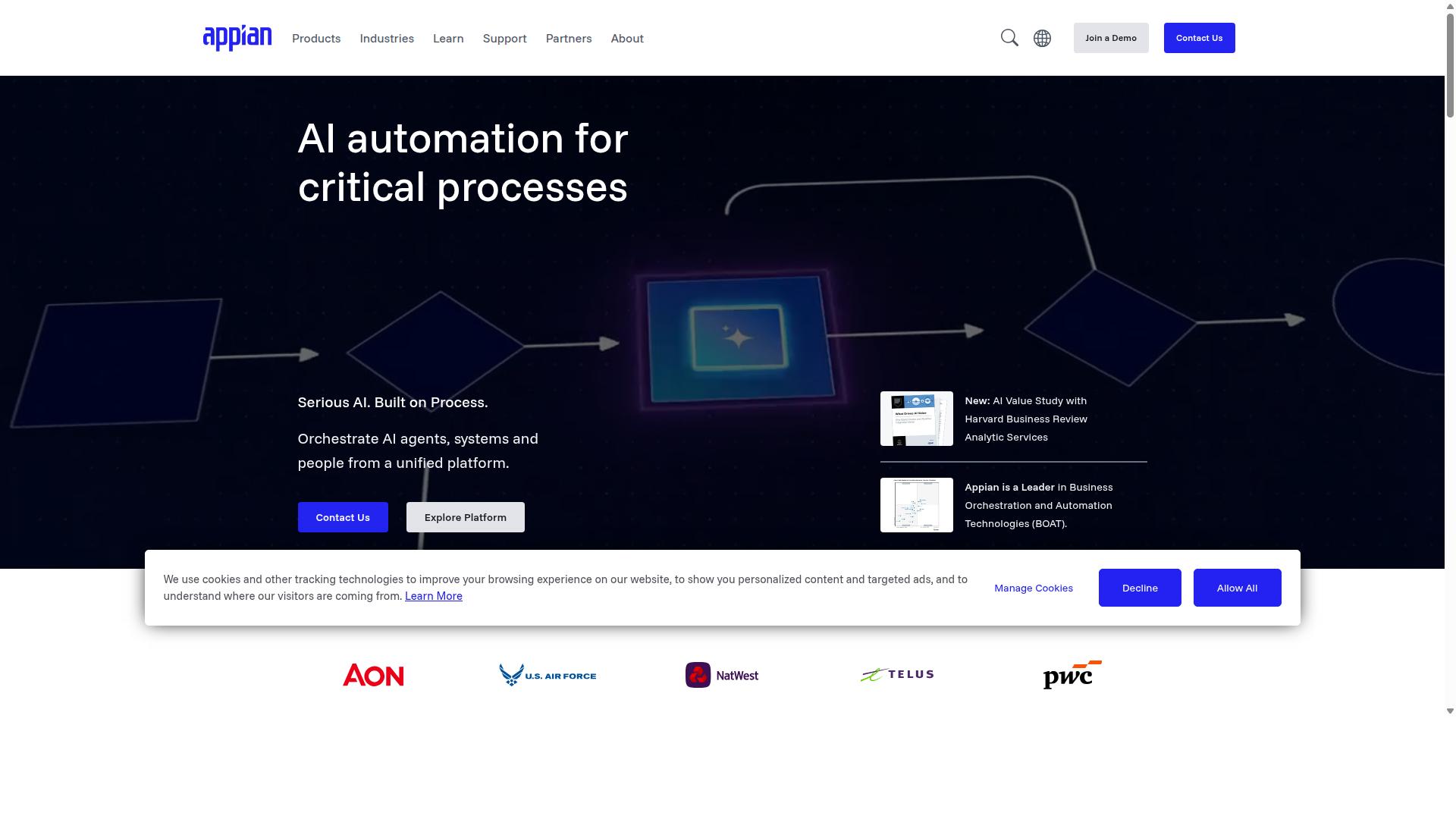
Appian delivers low-code case management with strong BPMN tooling, yet its compliance module requires separate licensing. The platform supports end-to-end process design through visual modeling tools that help teams create structured workflows without heavy coding requirements.
The BPMN visual designer allows users to map complex business processes using standard notation. Teams can create detailed diagrams that show each step, decision point, and handoff between departments or systems.
RPA integration extends Appian's capabilities by connecting automated bots with human-driven tasks. Organizations can combine software robots with manual approvals to handle repetitive data entry while maintaining oversight where needed.
The decision rules engine helps teams build logic that adapts to changing conditions. Business users can update rules through simple interfaces without modifying the underlying code structure.
Enterprises in financial services, insurance, and government sectors often select Appian for its scalability features. The platform supports document processing and API connections that fit within larger technology environments.
SOC 2 Type II coverage requires an add-on purchase rather than being included in the base subscription. Organizations should verify licensing requirements before committing to the platform for compliance-sensitive workflows.
5. ServiceNow
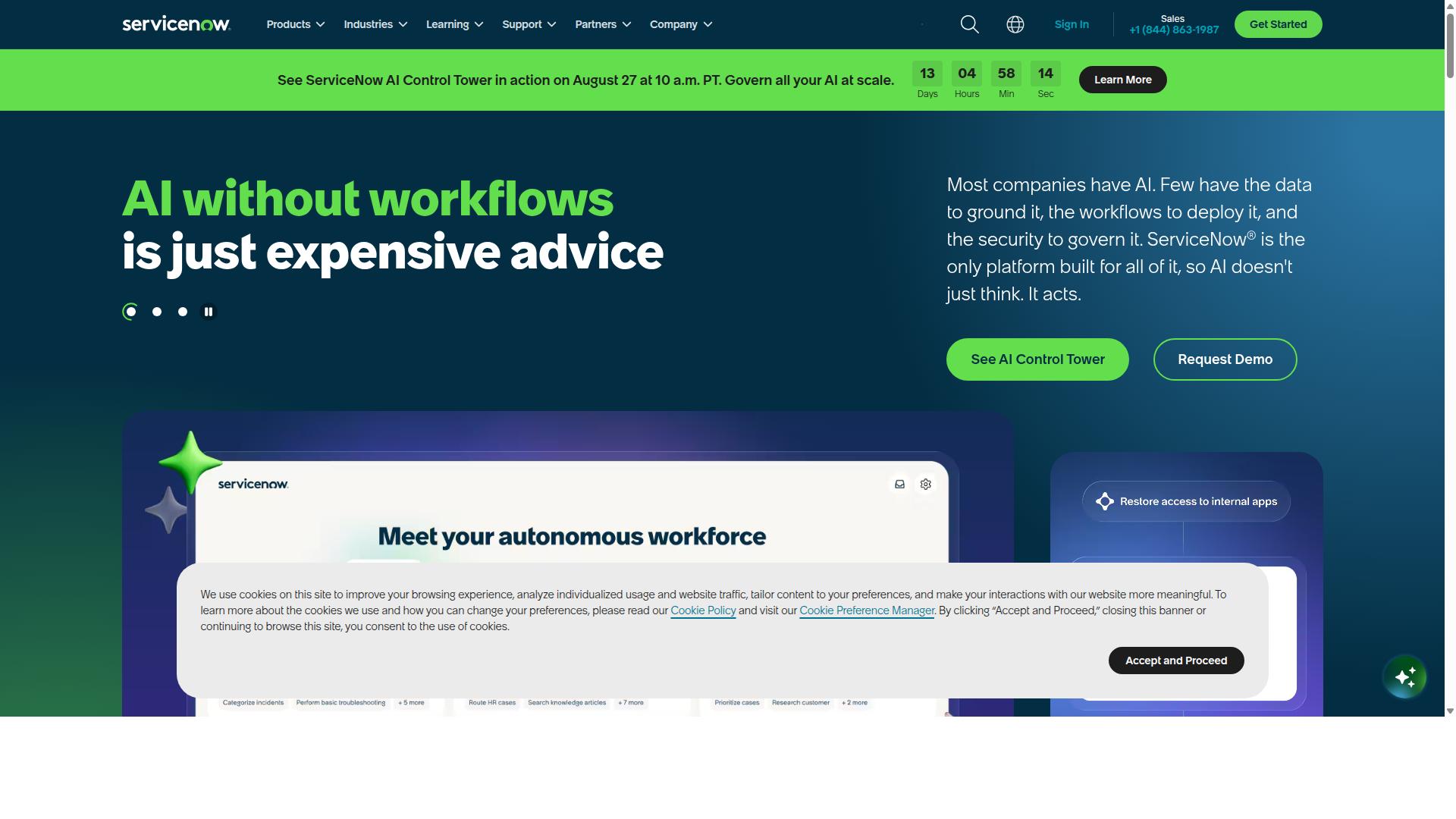
ServiceNow Now Platform orchestrates enterprise IT and HR workflows at massive scale but carries heavier implementation overhead.
The platform targets large organizations that need centralized control over complex processes. Flow Designer provides a visual interface to build automated sequences without writing code. Teams can map out steps, add conditions, and test outcomes before deployment.
Integration Hub connects ServiceNow with external systems and data sources. This allows workflows to pull information from multiple tools and push updates across different platforms. The integration capabilities help maintain data accuracy when processes span several applications.
Virtual Agent handles routine employee and customer requests through conversational interfaces. This feature reduces the volume of simple tickets that reach human agents. Organizations see value when chatbots manage password resets, access requests, and status updates.
Mid-market teams often exceed budget and timeline when implementing ServiceNow compared to simpler alternatives. The platform includes AI Agents for autonomous task handling, ServiceNow Otto AI assistant, and Process Mining capabilities. These features add power but increase complexity during setup and configuration.
Enterprises that need comprehensive governance across IT, security, and HR functions may find the investment worthwhile. The platform supports multiple service areas including IT Operations Management, Customer Service Management, and Field Service Management. This breadth makes it suitable for organizations with complex, interconnected workflows.
6. Onspring
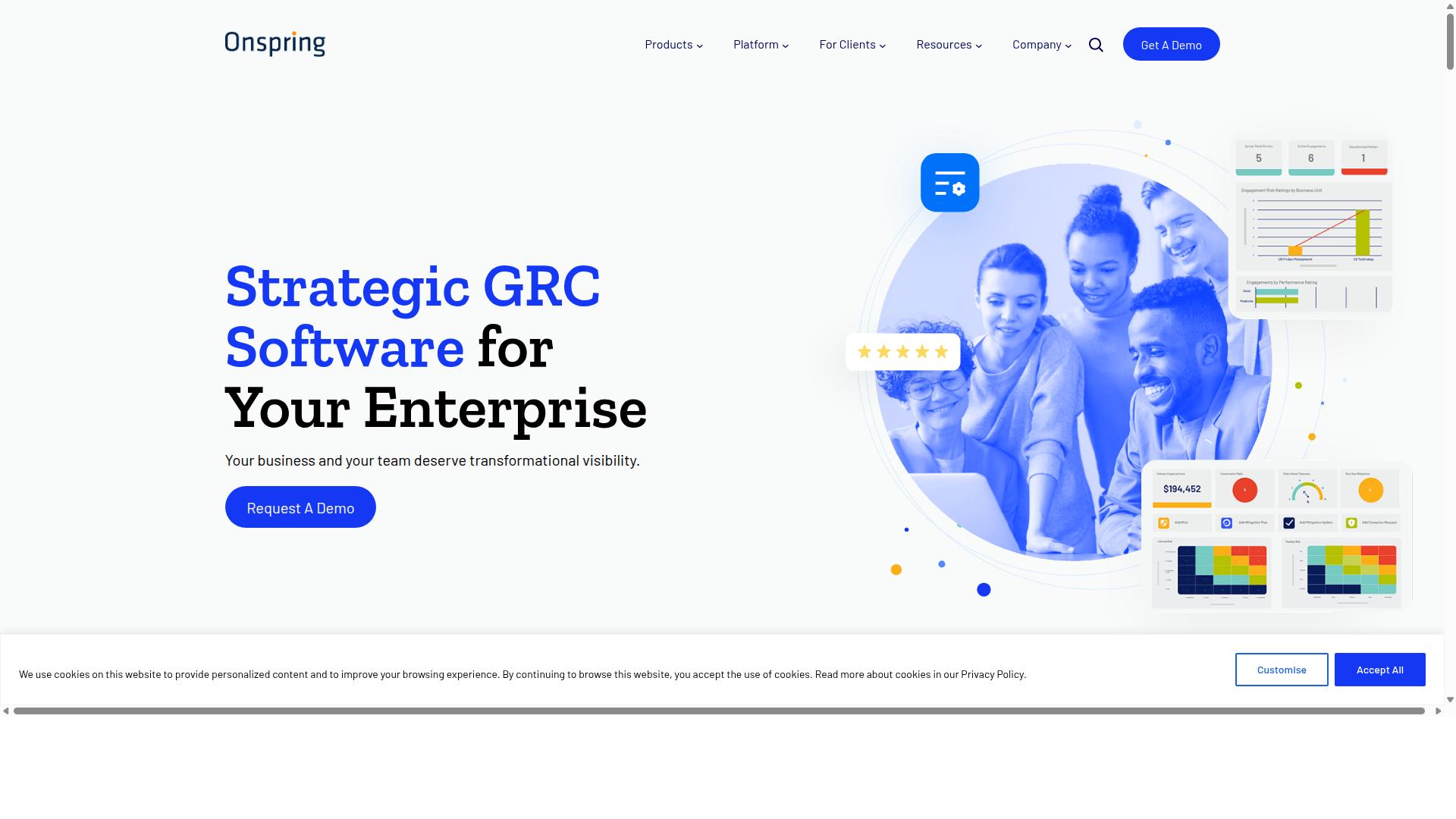
Onspring offers configurable GRC workflows with spreadsheet-like interfaces but limited AI routing capabilities. The platform emphasizes enterprise governance, risk, and compliance needs through its unified system design.
The no-code form builder lets teams create custom forms without technical expertise. Users can design data collection templates that match their specific compliance requirements and internal processes.
Evidence request automation streamlines how organizations gather and track supporting documentation for audits and reviews. This feature reduces manual follow-up work and helps maintain consistent data collection across different departments.
Dashboarding capabilities provide visual reporting on workflow status and performance metrics. Teams can monitor progress across multiple processes from a single view.
The platform lacks pre-built AI agents similar to Cora-style solutions. This means users handle most routing decisions through manual configuration rather than automated intelligence.
Integration options are more limited compared to platforms with 10,000+ pre-built connections. Organizations may need custom development work to connect Onspring with their existing business systems.
Research suggests enterprise teams often prioritize governance features over extensive integration libraries when selecting workflow automation tools. Onspring targets this specific market need with its compliance-focused approach.
How to Choose the Right Option
Map each platform against your team's size, compliance scope, and integration footprint using a weighted scoring sheet. Every department carries different priorities, so a single score rarely captures the full picture.
Teams in Operations, Customer management, Compliance, Human resources, Finance, and IT often evaluate workflow automation tools through one shared lens. A consistent scorecard helps surface the best fit quickly.
| AI Agents | Data Residency | Native Connectors | Setup Time Reduction | User Limits | Audit Trail Depth | |
|---|---|---|---|---|---|---|
| Operations | ||||||
| Compliance | ||||||
| Finance | ||||||
| HR |
Ask each department to score every column from 1 to 5. Add the numbers in each column at the bottom.
The highest column total points to the strongest match for your specific department mix. Document the scores so future platform reviews stay consistent.
Process Street serves teams across Financial services, Real estate, Manufacturing, Healthcare, Professional services, Technology, Capital markets, and Property management. Its documented use cases include employee onboarding, client onboarding, ISO compliance, quality tracking, document control, and custom workflows.
Compare the scorecard results against each automation tool's listed capabilities. A higher total in the Compliance column, for example, may favor solutions with deeper audit trails and stricter data residency controls.
Repeat the exercise whenever team size or regulatory scope changes. The same sheet keeps selections objective and repeatable across departments.
Final Verdict
For teams that need AI-powered compliance workflows out of the box, Process Street delivers the strongest balance of features, speed, and certified security.
Three differentiators set this platform apart from other automation tools. The Cora AI agent handles compliance tasks without requiring extra setup. Documentation runs 30% faster than manual processes. SOC 2 Type II and ISO 27001 certification come included rather than purchased separately.
These certifications matter for enterprise teams. SOC 2 Type II confirms ongoing security controls. ISO 27001 proves information security management meets international standards. Both reduce audit preparation time.
Process Street supports HIPAA compliance with a BAA available upon request. GDPR and CCPA requirements are addressed in the core offering. Data never trains AI models, which protects customer information during automated workflows.
Teams report 75% reduction in setup time. Average response time sits at five minutes with a 98% customer satisfaction rating. These metrics reflect operational reliability across 3,000 companies and 1 million users.
Organizations seeking tailored deployment should contact sales. Pricing scales with user count and specific requirements. A demo reveals how the platform fits existing business processes and task automation needs.
Recommended Resources: